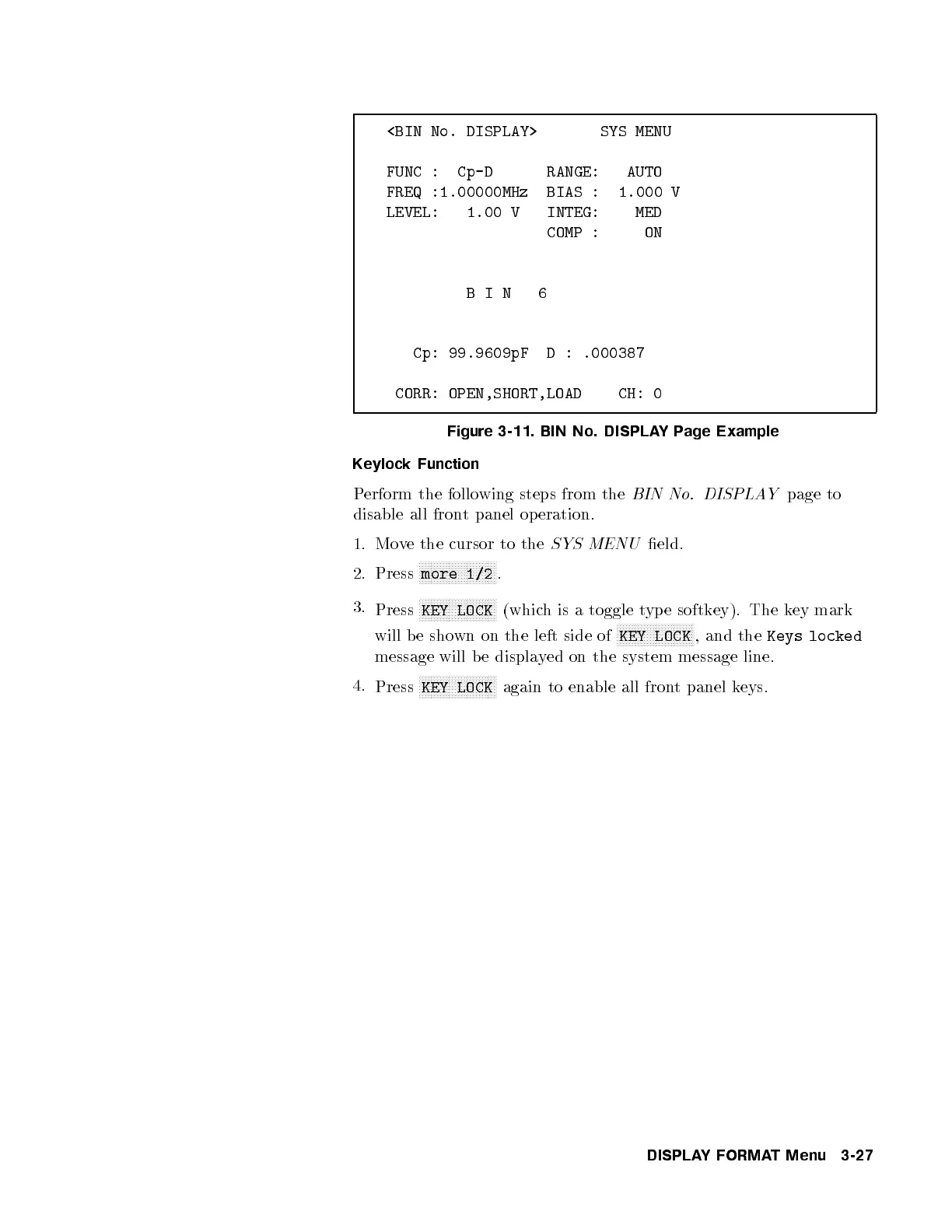
<BIN No. DISPLAY> SYS MENU
FUNC : Cp-D RANGE: AUTO
FREQ :1.00000MHz BIAS : 1.000 V
LEVEL: 1.00 V INTEG: MED
COMP : ON
BIN 6
Cp: 99.9609pF D : .000387
CORR: OPEN,SHORT,LOAD CH: 0
Figure 3-11. BIN No. DISPLAYPage Example
Keylock Function
Perform the following steps from the
BIN No. DISPLAY
page to
disable all front panel op eration.
1. Move the cursor to the
SYS MENU
eld.
2. Press
NNNNNNNNNNNNNNNNNNNNNNNNNN
more 1/2
.
3.
Press
NNNNNNNNNNNNNNNNNNNNNNNNNN
KEY LOCK
(which is a toggle typ e softkey). The key mark
will be shown on the left side of
NNNNNNNNNNNNNNNNNNNNNNNNNN
KEY LOCK
, and the
Keys locked
message will b e displayed on the system message line.
4.
Press
NNNNNNNNNNNNNNNNNNNNNNNNNN
KEY LOCK
again to enable all front panel keys.
DISPLAYFORMAT Menu 3-27



 To Next Page