••
•
Model 436A
Adjustments
ADJUSTMENTS
5-21.
POWER
REFERENCE
OSCILLATOR FREQUENCY ADJUSTMENT
(cont'd)
EQUIPMENT:
PROCEDURE:
Counter
. . . . . . . . . . HP 5315A
1.
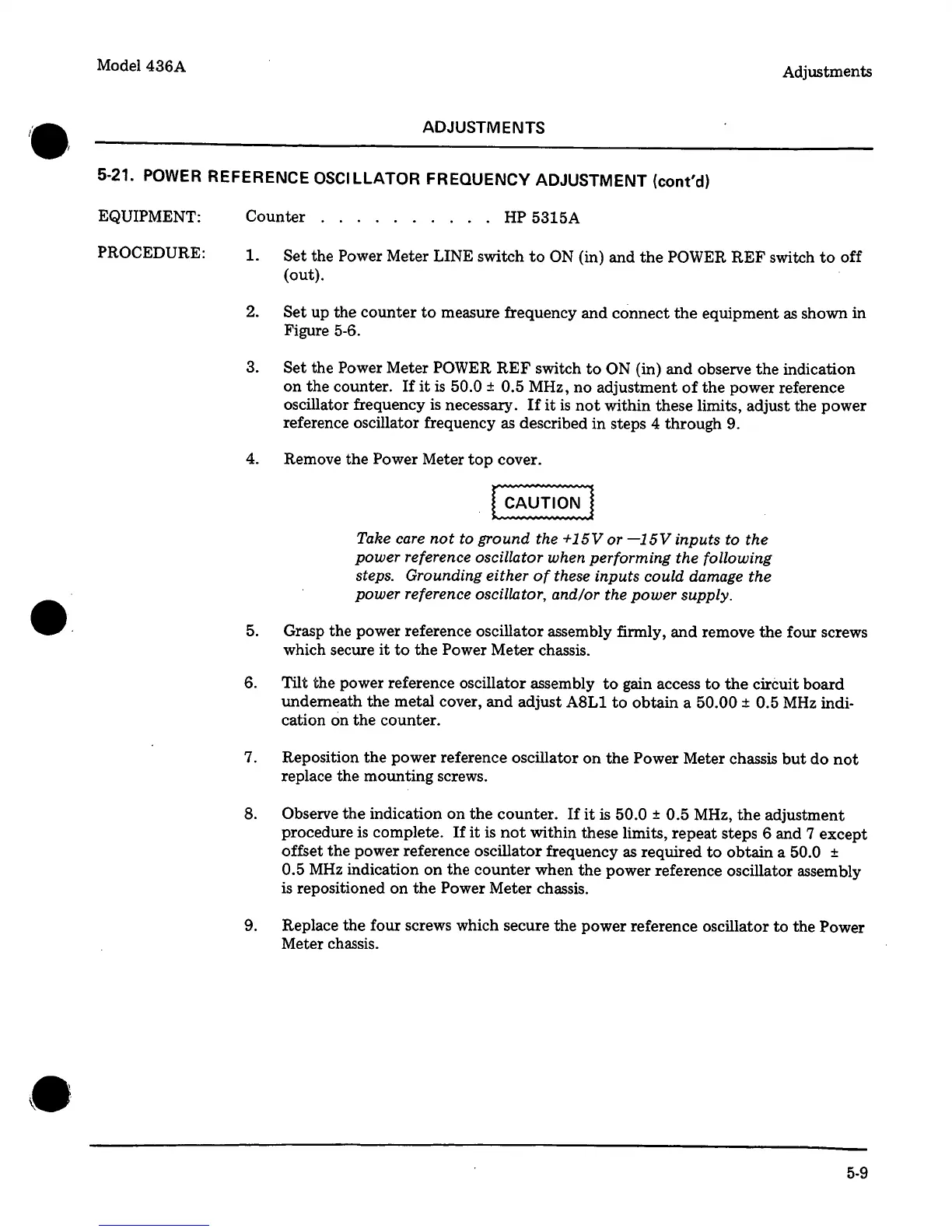
Set the Power Meter LINE switch
to
ON (in) and
the
POWER
REF
switch
to
off
(out).
2.
Set
up the
counter
to
measure frequency
and
connect
the
equipment
as
shown in
Figure 5-6.
3.
Set
the Power Meter
POWER
REF
switch
to
ON (in)
and
observe
the
indication
on
the
counter.
If
it
is
50.0
±
0.5 MHz, no adjustment
of
the
power reference
oscillator frequency
is
necessary.
If
it
is
not
within these limits, adjust the power
reference oscillator frequency
as
described in steps 4 through 9.
4. Remove the Power Meter
top
cover.
Take
care
not
to ground the +
15V
or
-15V
inputs to the
power reference oscillator when performing the following
steps. Grounding either
of
these inputs could damage the
power reference oscillator, and/or the power supply .
5. Grasp the power reference oscillator assembly firmly,
and
remove
the
four screws
which secure
it
to
the
Power Meter chassis.
6. Tilt the power reference oscillator assembly
to
gain access
to
the
circuit board
underneath the metal cover,
and
adjust
A8Ll
to
obtain a
50.00
±
0.5
MHz
indi-
cation on
the
counter.
7. Reposition
the
power reference oscillator
on
the Power Meter chassis
but
do
not
replace the mounting screws.
8. Observe
the
indication on
the
counter.
If
it
is
50.0
±
0.5 MHz,
the
adjustment
procedure is complete.
If
it
is
not
within these limits, repeat steps 6 and 7 except
offset
the
power reference oscillator frequency
as
required
to
obtain
a 50.0
±
0.5
MHz
indication
on
the
counter
when
the
power reference oscillator assembly
is repositioned
on
the
Power Meter chassis.
9. Replace the four screws which secure the power reference oscillator
to
the Power
Meter chassis .
5-9



 To Next Page