3. NON-SWEEP POWER LINEARITY TEST (NA)
Description
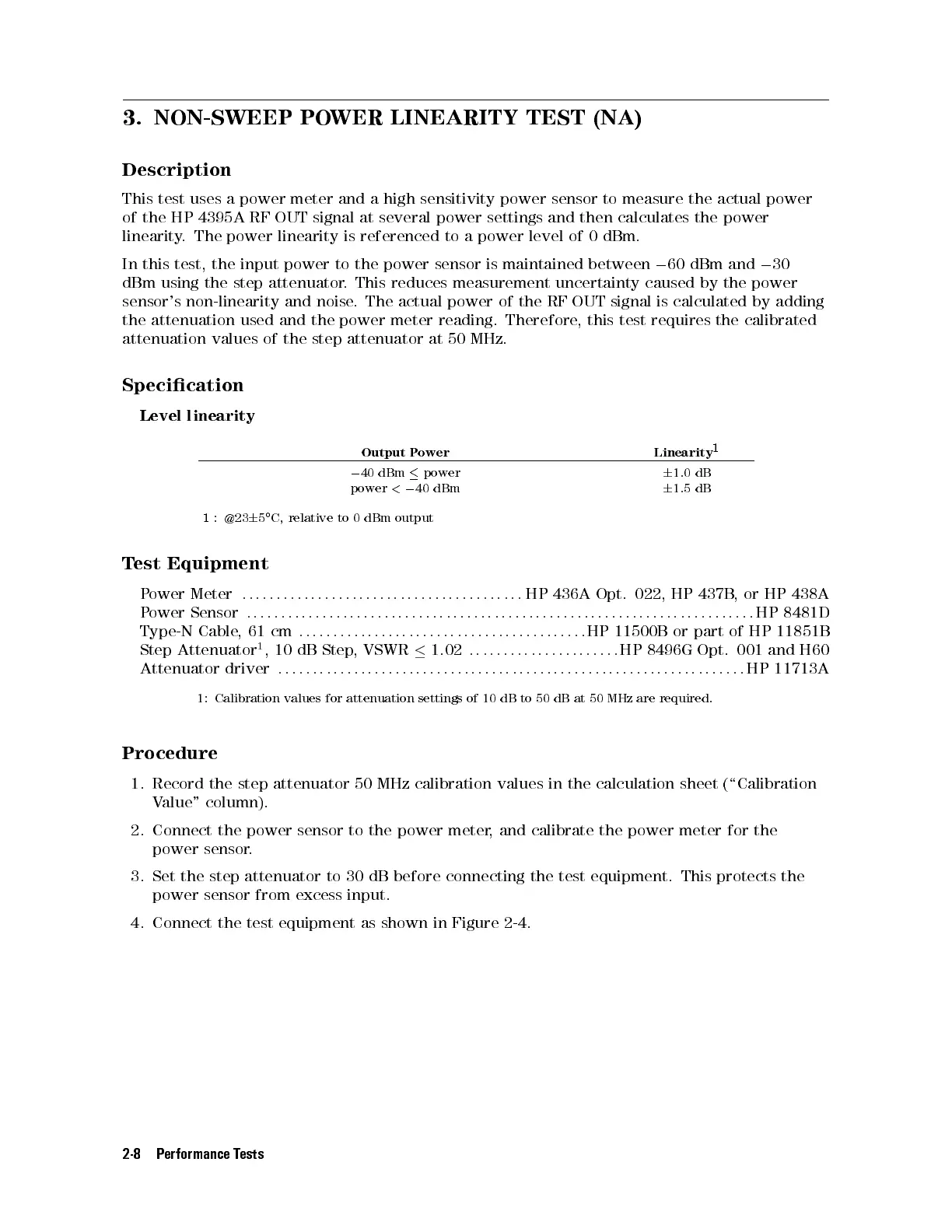
This test uses a power meter and a high sensitivity power sensor to measure the actual power
of the HP 4395A RF OUT signal at several power settings and then calculates the power
linearity. The power linearity is referenced to a power level of 0 dBm.
In this test, the input power to the power sensor is maintained between
0
60 dBm and
0
30
dBm using the step attenuator. This reduces measurement uncertainty caused by the power
sensor's non-linearity and noise. The actual power of the RF OUT signal is calculated by adding
the attenuation used and the power meter reading. Therefore, this test requires the calibrated
attenuation values of the step attenuator at 50 MHz.
Specication
Level linearity
Output Power Linearity
1
0
40 dBm
power
6
1.0 dB
power
<
0
40 dBm
6
1.5 dB
1
: @23
6
5
C, relative to 0 dBm output
Test Equipment
Power Meter
::::: :::: ::::: :::: ::::: :::: ::::: :::: :::: :
HP 436A Opt. 022, HP 437B, or HP 438A
Power Sensor
::::: :::: ::::: :::: ::::: :::: :::: ::::: :::: ::::: :::: ::::: :::: ::::: :::: ::::: ::
HP 8481D
Type-N Cable,61cm
::: :::: ::::: :::: ::::: :::: :::: ::::: :::: ::::
HP 11500B or part of HP 11851B
Step Attenuator
1
, 10 dB Step, VSWR
1.02
:::: ::::: :::: ::::: ::::
HP 8496G Opt. 001 and H60
Attenuator driver
::: :::: ::::: :::: ::::: :::: :::: ::::: :::: ::::: :::: ::::: :::: ::::: :::: :::
HP 11713A
1: Calibration values for attenuation settings of 10 dB to 50 dB at 50 MHz are required.
Procedure
1. Record the step attenuator 50 MHz calibration values in the calculation sheet (\Calibration
Value" column).
2. Connect the power sensor to the power meter, and calibrate the power meter for the
power sensor.
3. Set the step attenuator to 30 dB before connecting the test equipment. This protects the
power sensor from excess input.
4. Connect the test equipment as shown in Figure 2-4.
2-8 Performance Tests



 To Next Page