4
Connect to the printer
● USB
● Networking
USB
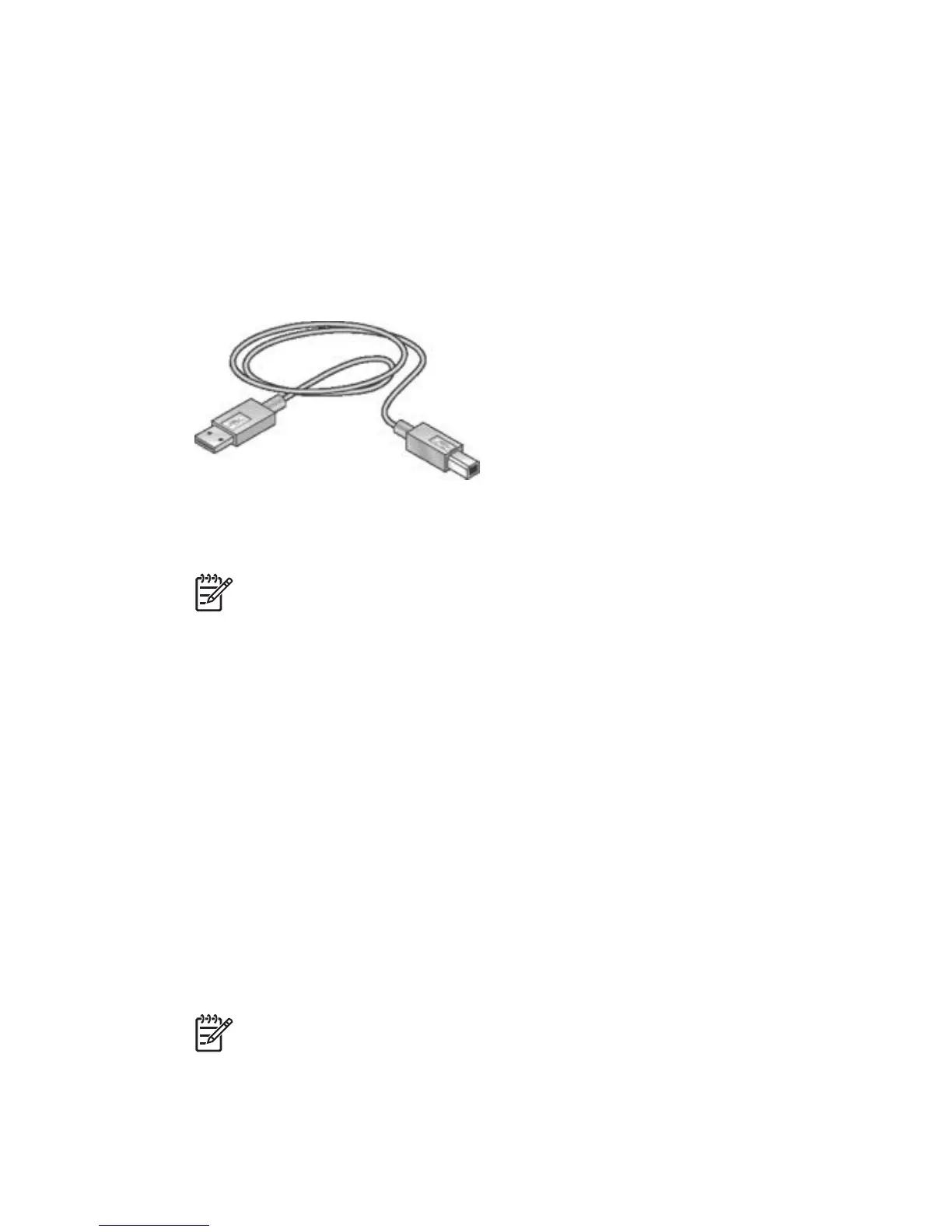
The printer connects to the computer with a universal serial bus (USB) cable.
For instructions about connecting the printer with a USB cable, see the setup poster
that came with the printer.
Note A USB cable might not be packaged with your printer.
Networking
The printer can be connected to a network through a computer or by using an HP
Jetdirect Print Server
Connect through a networked computer
The printer can be connected directly to a computer on a network and then shared
with other computers on the network.
For instructions about sharing the printer on a network, use the printer software CD
and follow the onscreen network setup instructions.
Use an HP Jetdirect print server
The printer can be connected to a network by using an HP Jetdirect print server.
For instructions about sharing the printer on a network, open System Preferences
and then double-click Sharing.
Note HP Jetdirect print servers are not available in all countries/regions.
16 HP Deskjet 5900 series



 To Next Page