D
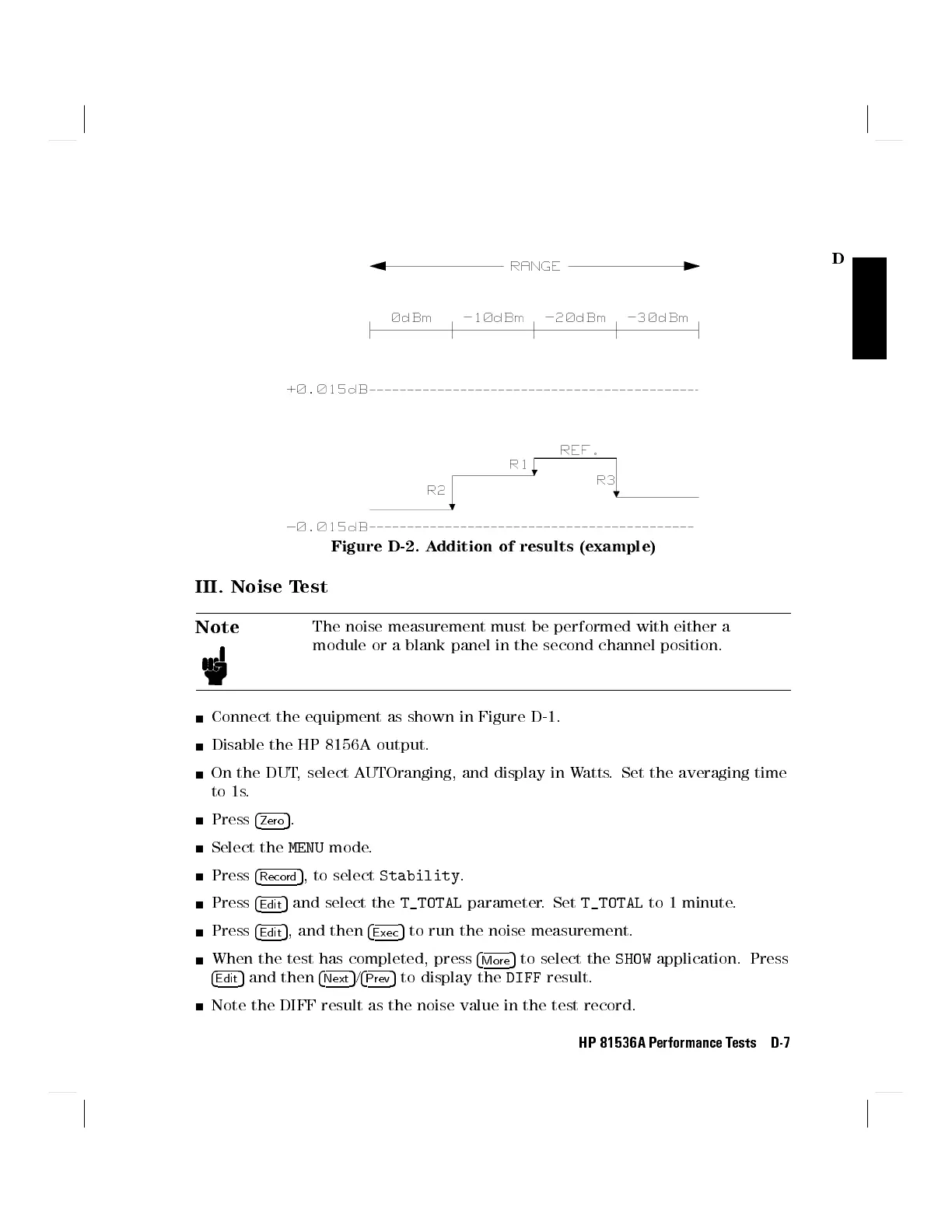
Figure D-2. Addition of results (example)
III. Noise Test
Note
The noise measurement must be performed with either a
module or a blank panel in the second channel position.
Connect the equipment as shown in Figure D-1.
Disable the HP 8156A output.
On the DUT, select AUTOranging, and display in Watts. Set the averaging time
to 1s.
Press
4
Zero
5
.
Select the
MENU
mode.
Press
4
Record
5
, to select
Stability
.
Press
4
Edit
5
and select the
T_TOTAL
parameter. Set
T_TOTAL
to 1 minute.
Press
4
Edit
5
, and then
4
Exec
5
to run the noise measurement.
When the test has completed, press
4
More
5
to select the
SHOW
application. Press
4
Edit
5
and then
4
Next
5
/
4
Prev
5
to display the
DIFF
result.
Note the DIFF result as the noise value in the test record.
HP 81536A Performance Tests D-7



 To Next Page