Model 8901B Service
TROUBLESHOOTING
General
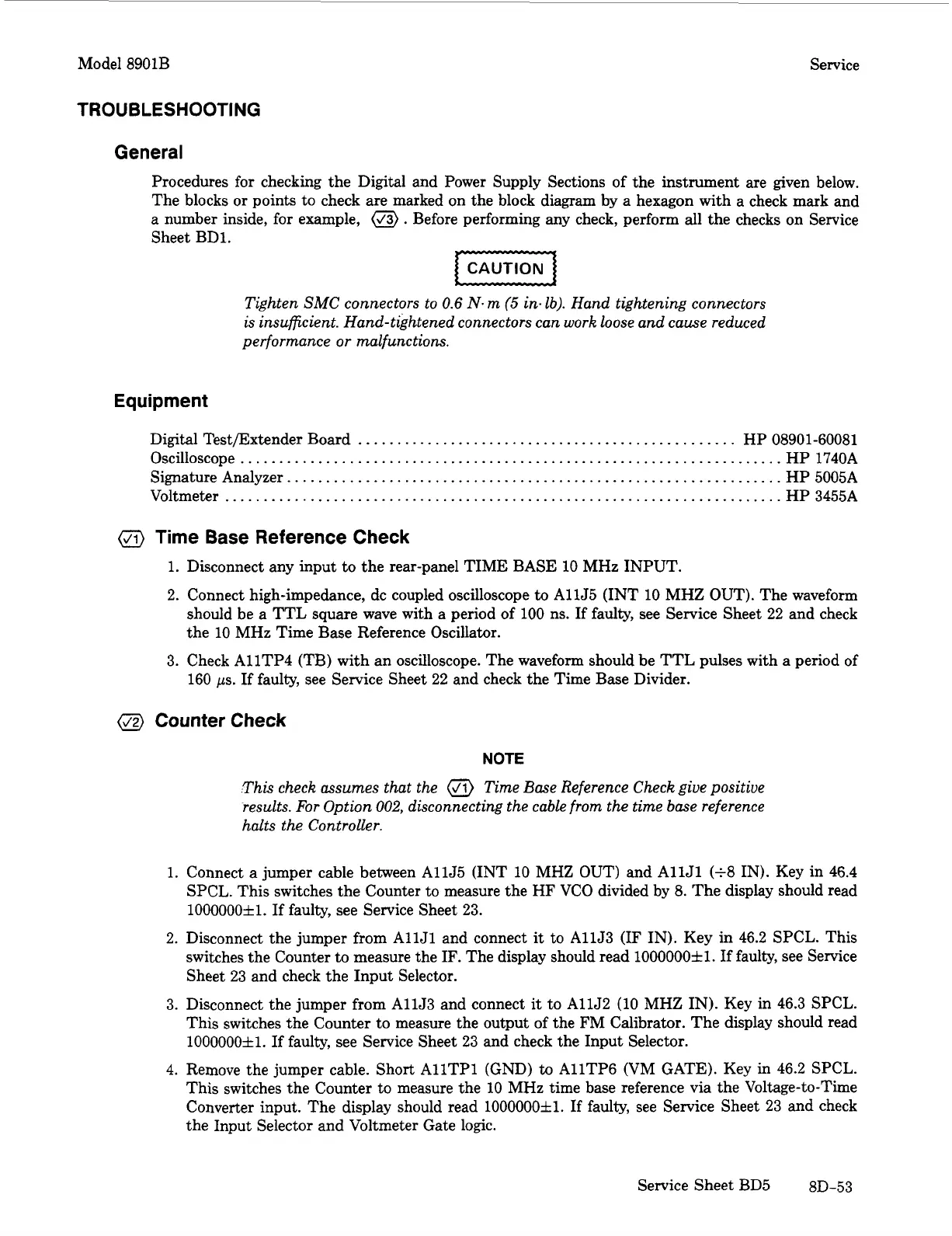
Procedures for checking the Digital and Power Supply Sections of the instrument are given below.
The blocks
or
points to check are marked on the block diagram by a hexagon with a check mark and
a number inside, for example,
@)
.
Before performing any check, perform
all
the checks on Service
Sheet BD1.
Tighten
SMC
connectors to
0.6
N.
m
(5
in.
lb). Hand tightening connectors
is insufficient. Hand-tightened connectors can work loose and cause reduced
performance
or
malfunctions.
Equipment
Digital Testmxtender Board
.................................................
HP 08901-60081
Oscilloscope
......................................................................
HP 1740A
Signature Analyzer
................................................................
HP 5005A
Voltmeter
........................................................................
HP 3455A
a
Time Base Reference Check
1.
Disconnect any input to the rear-panel TIME BASE
10
MHz INPUT.
2.
Connect high-impedance, dc coupled oscilloscope
to
AllJ5 (INT
10
MHZ OUT). The waveform
should be a TTL square wave with a period of
100
ns.
If
faulty, see Service Sheet 22 and check
the
10
MHz Time Base Reference Oscillator.
3. Check A11TP4
(TB)
with an oscilloscope. The waveform should be TTL pulses with a period of
160
ps.
If
faulty, see Service Sheet 22 and check the Time Base Divider.
@
Counter Check
NOTE
This check assumes that the
@
Time
Base Reference Check give positive
results.
For
Option
002,
disconnecting the cable from the time base reference
halts the Controller.
1.
Connect a jumper cable between AllJ5 (INT
10
MHZ OUT) and AllJl
(+8
IN). Key in 46.4
SPCL. This switches the Counter to measure the HF
VCO
divided by
8.
The display should read
10000002Zl.
If
faulty, see Service Sheet
23.
2.
Disconnect the jumper from
AllJl
and connect
it
to AllJ3
(IF
IN).
Key in 46.2 SPCL. This
switches the Counter
to
measure the
IF.
The display should read 1000000~1. If faulty, see Service
Sheet 23 and check the Input Selector.
3.
Disconnect the jumper from AllJ3 and connect
it
to
AllJ2
(10 MHZ IN). Key in 46.3 SPCL.
This switches the Counter to measure the output of the FM Calibrator. The display should read
10000002Zl.
If
faulty, see Service Sheet
23
and check the Input Selector.
4.
Remove the jumper cable. Short
AllTPl
(GND)
to
A11TP6 (VM GATE). Key
in
46.2 SPCL.
This switches the Counter to measure the
10
MHz time base reference via the Voltage-to-Time
Converter input. The display should read 1000000fl.
If
faulty, see Service Sheet
23
and check
the Input Selector and Voltmeter Gate logic.
Service Sheet BD5 8D-53


 To Next Page
 Loading...