98750 Environmental/Installation/PM 2-1
Chapter 2
Environmental/Installation!
Preventive Maintenance
Installation
After unpacking the computer, the CRT assembly must
be
mounted
onto
the mainframe
assembly. The CRT assembly
will
lock into place on top of the mainframe support legs. It
is
important that the gUides on the CRT assembly
and
the mainframe support legs are aligned
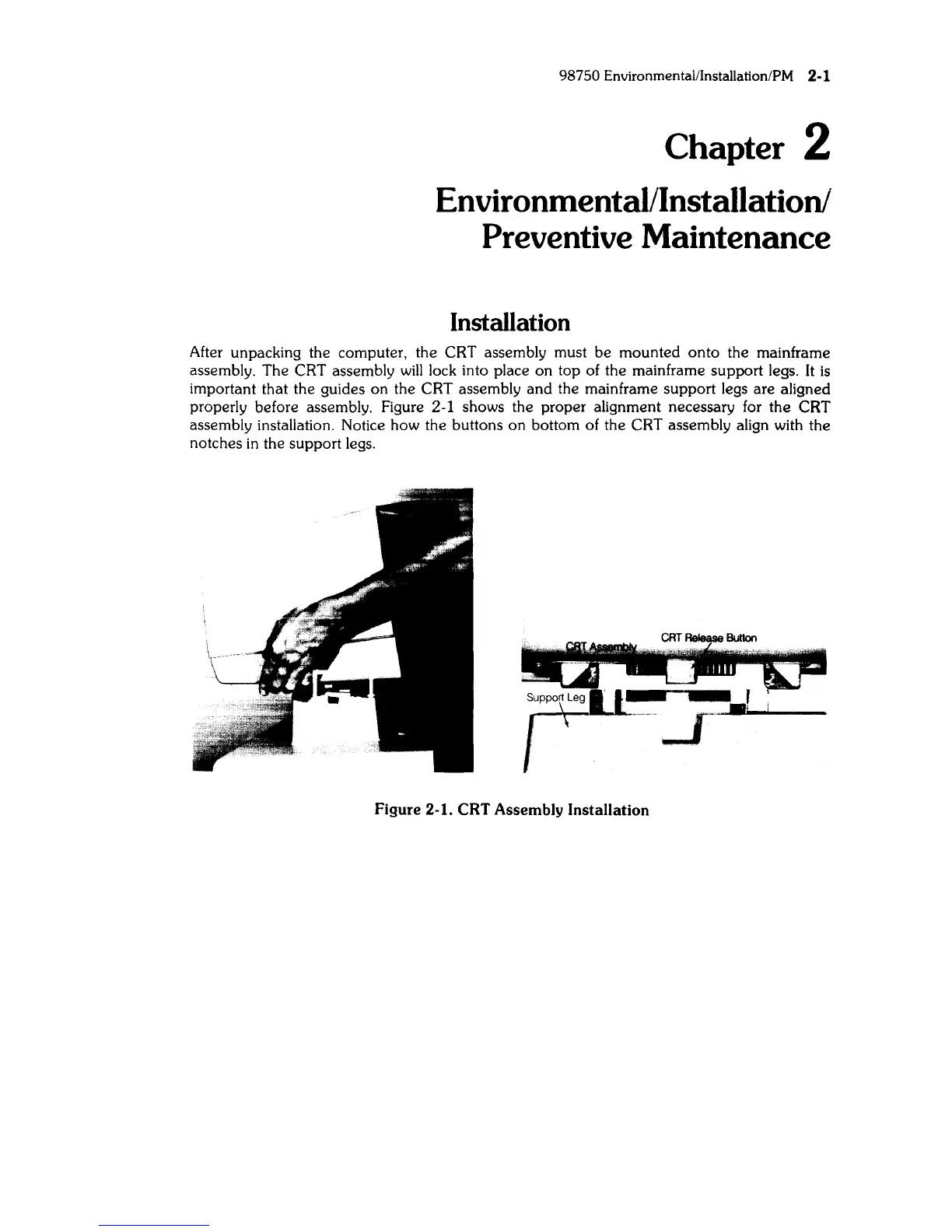
properly before assembly. Figure 2-1 shows the proper alignment necessary for
the
CRT
assembly installation. Notice how the buttons on bottom of the CRT assembly align with the
notches in the support legs.
Figure 2-1.
CRT
Assembly Installation



 To Next Page