9825A/B
Diagnostics
5-1
Chapter 5
9825A1B
Diagnostics
9825A1B
System Test
This covers the use of the 9825A/B System Test
Tape
in
testing the operation of the 9825A!B
without interfaces
or
peripheral products connected. For interface
or
peripheral tests, refer to
their
product
section of the handbook.
Procedure
To Test the Calculator
1.
Turn the calculator ON.
2.
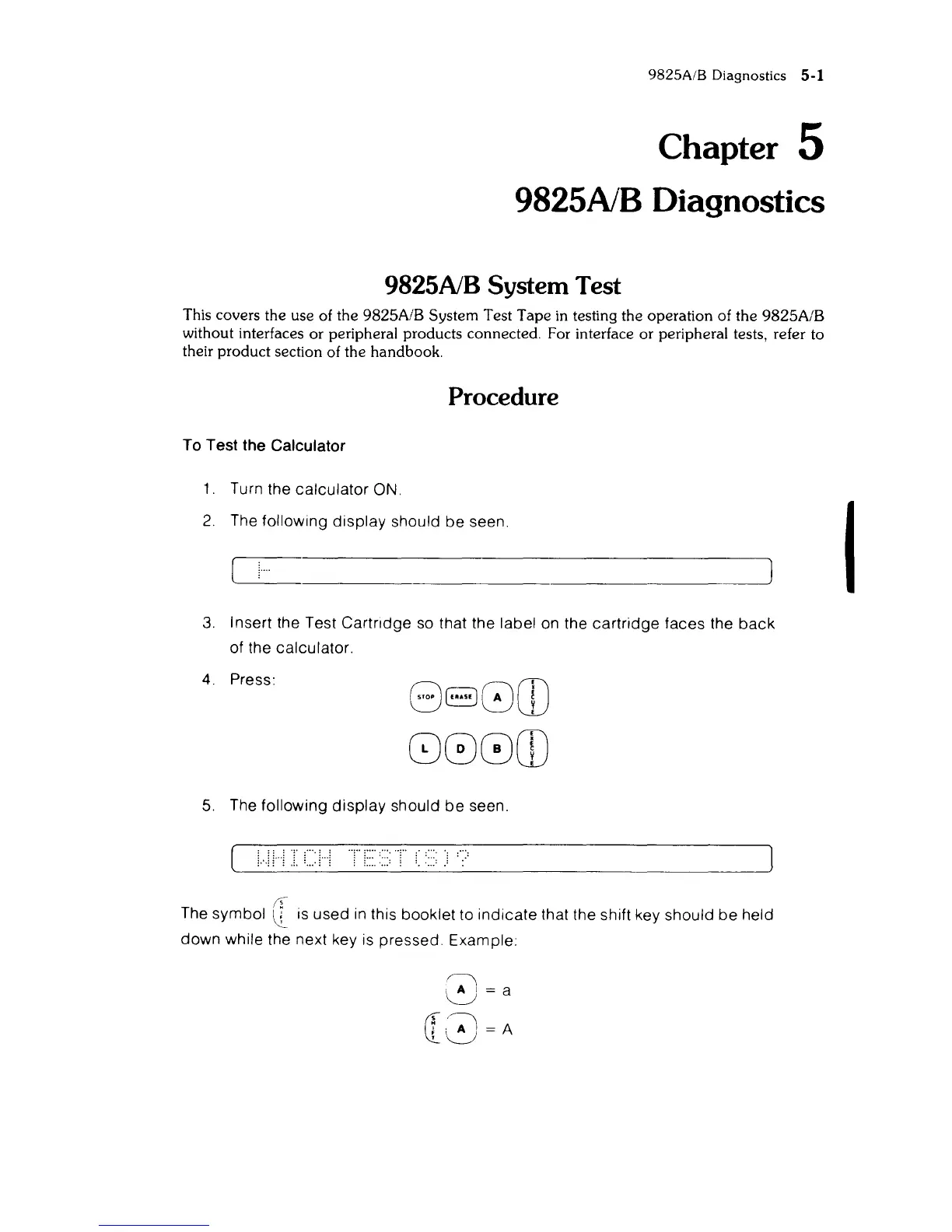
The following display should
be
seen.
~------------------~
3.
Insert the Test Cartridge
so
that the label
on
the cartridge faces the
back
of the calculator.
4.
Press:
880CD
800CD
5.
The following
display
should
be
seen.
.11"'1
...
....
.
:,,:
(f
The symbol \l is used
in
this booklet to indicate that the shift key should
be
held
down while the next key is pressed. Example:
I



 To Next Page