How to Scan
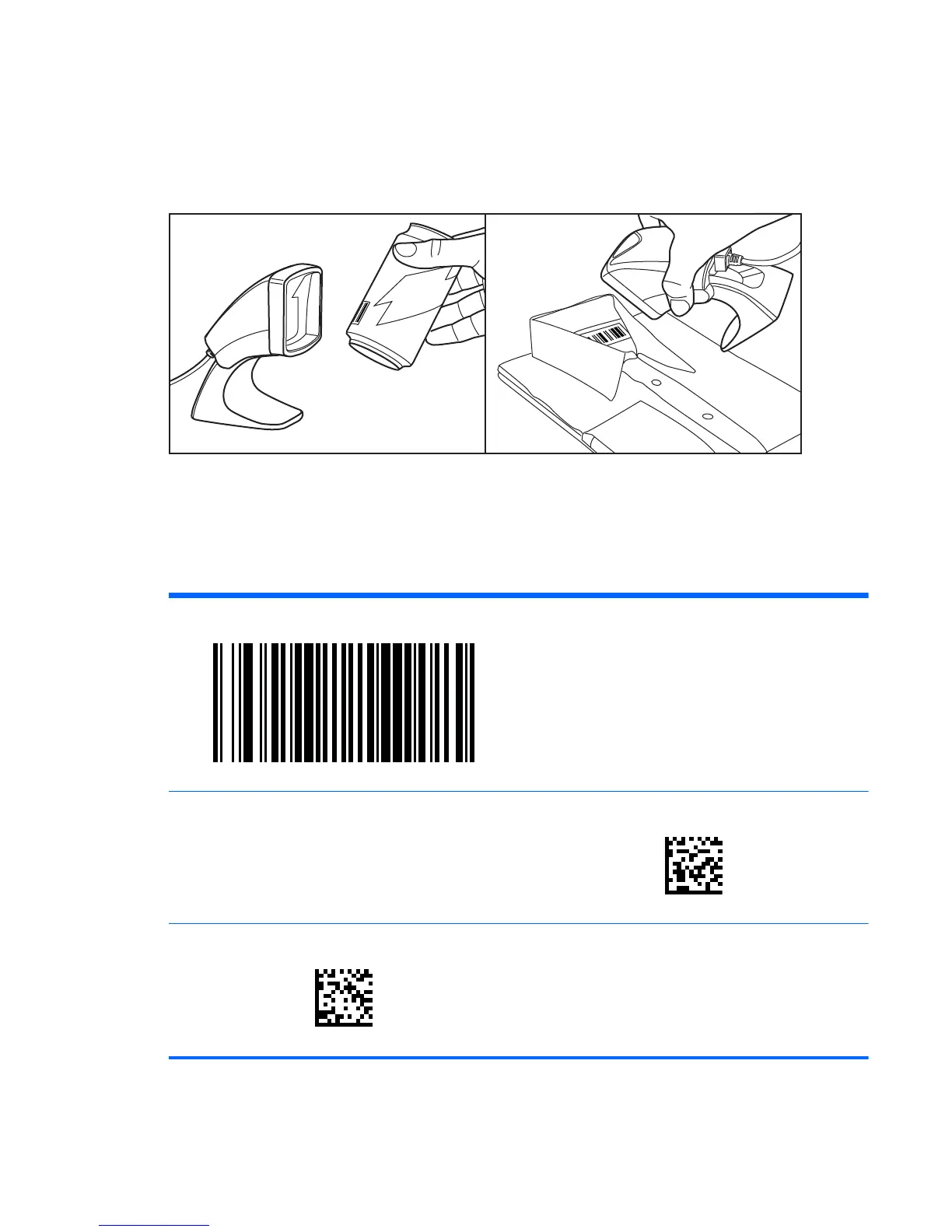
Items can be presented to the scanner while it is resting on the counter, or the scanner can be lifted
and aimed at the barcode.
Figure 1-2 Scanning Methods
Cell Phone Mode
Cell phone mode is when the scanner is enabled to read barcodes on a cell phone display. To enable
this feature, scan the START/END barcode, then scan the ENABLE AUTO CELL PHONE MODE
barcode, then scan the START/END barcode a second time to exit Programming Mode.
START/END
DISABLE AUTO CELL PHONE MODE
ENABLE AUTO CELL PHONE MODE
ENWW How to Scan 3



 To Next Page