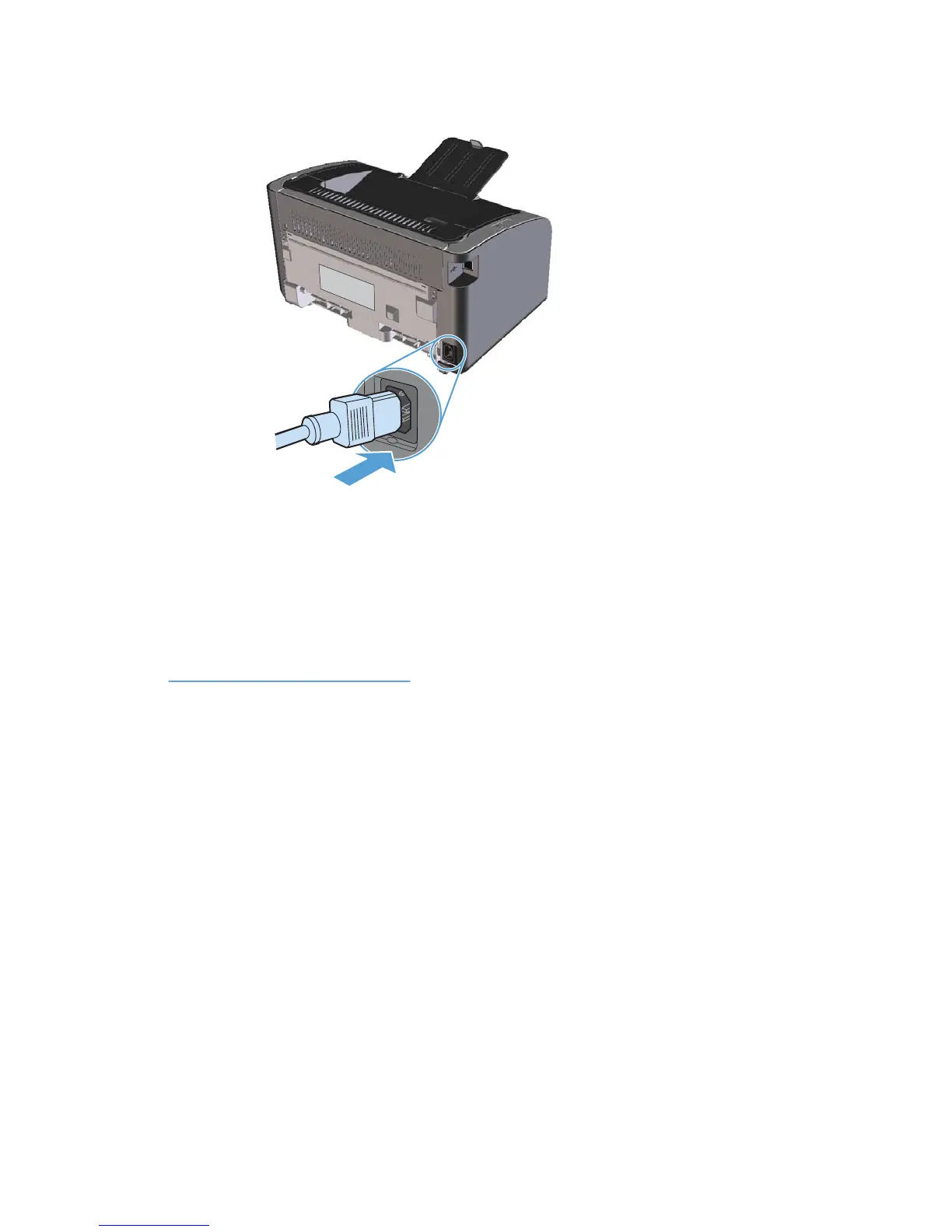
4. Disconnect the power cord.
Clean the exterior
Use a soft, damp, lint-free cloth to wipe dust, smudges, and stains off of the exterior of the device.
Product updates
Software and firmware updates and installation instructions for this product are available at
www.hp.com/support/ljp1100series. Click Downloads and drivers, click the operating system, and
then select the download for the product.
ENWW Product updates 65



 To Next Page