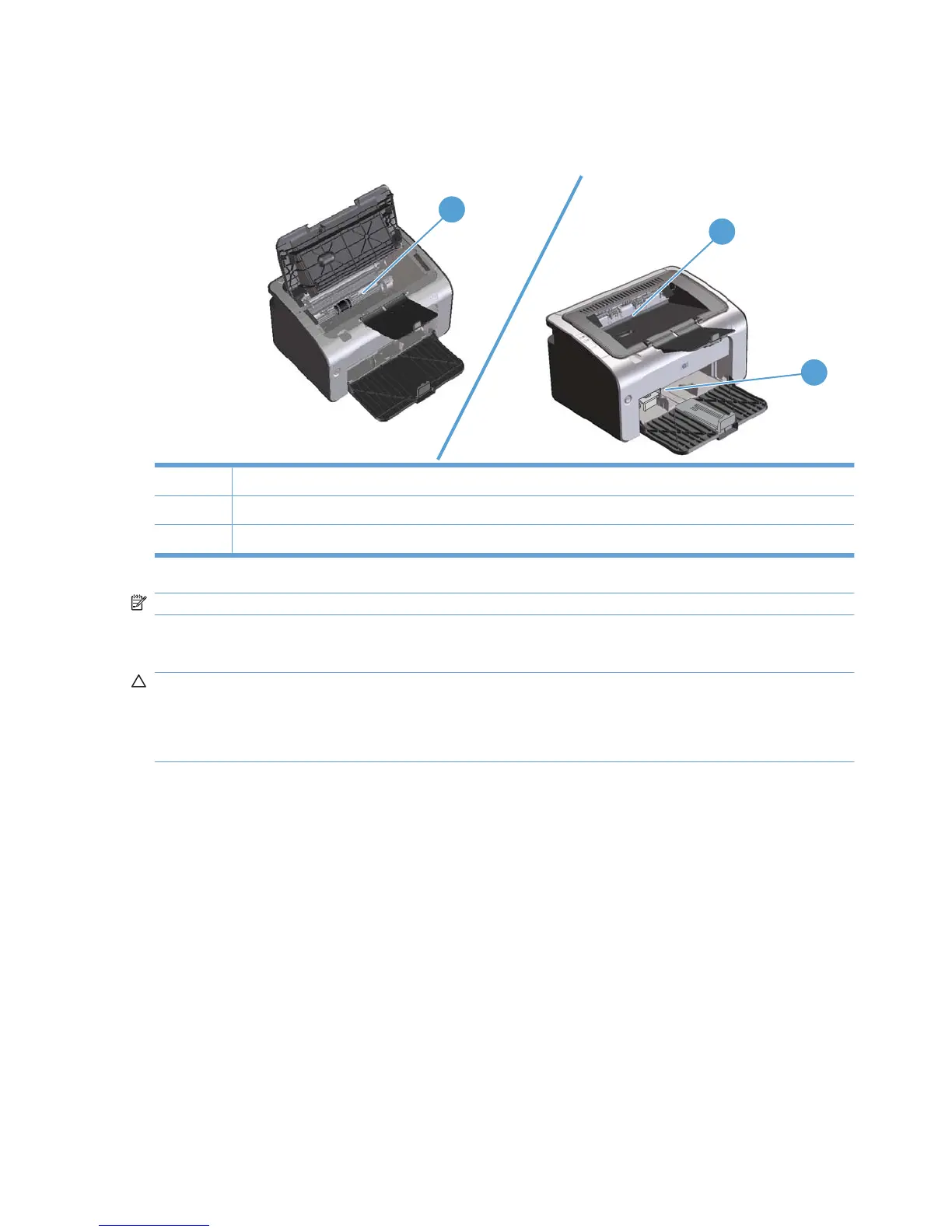
Jam locations
Jams can occur at the following locations in the product.
2
3
1
1 Internal areas
2 Input tray
3 Output bin
NOTE: Jams can occur in more than one location.
Clear jams from the input tray
CAUTION: Do not use sharp objects, such as tweezers or needle-nose pliers, to remove jams.
Damage caused by sharp objects will not be covered by the warranty.
When removing jammed media, pull the jammed media straight away from the product. Pulling jammed
media out of the product at an angle can damage the product.
74 Chapter 8 Solve problems ENWW



 To Next Page