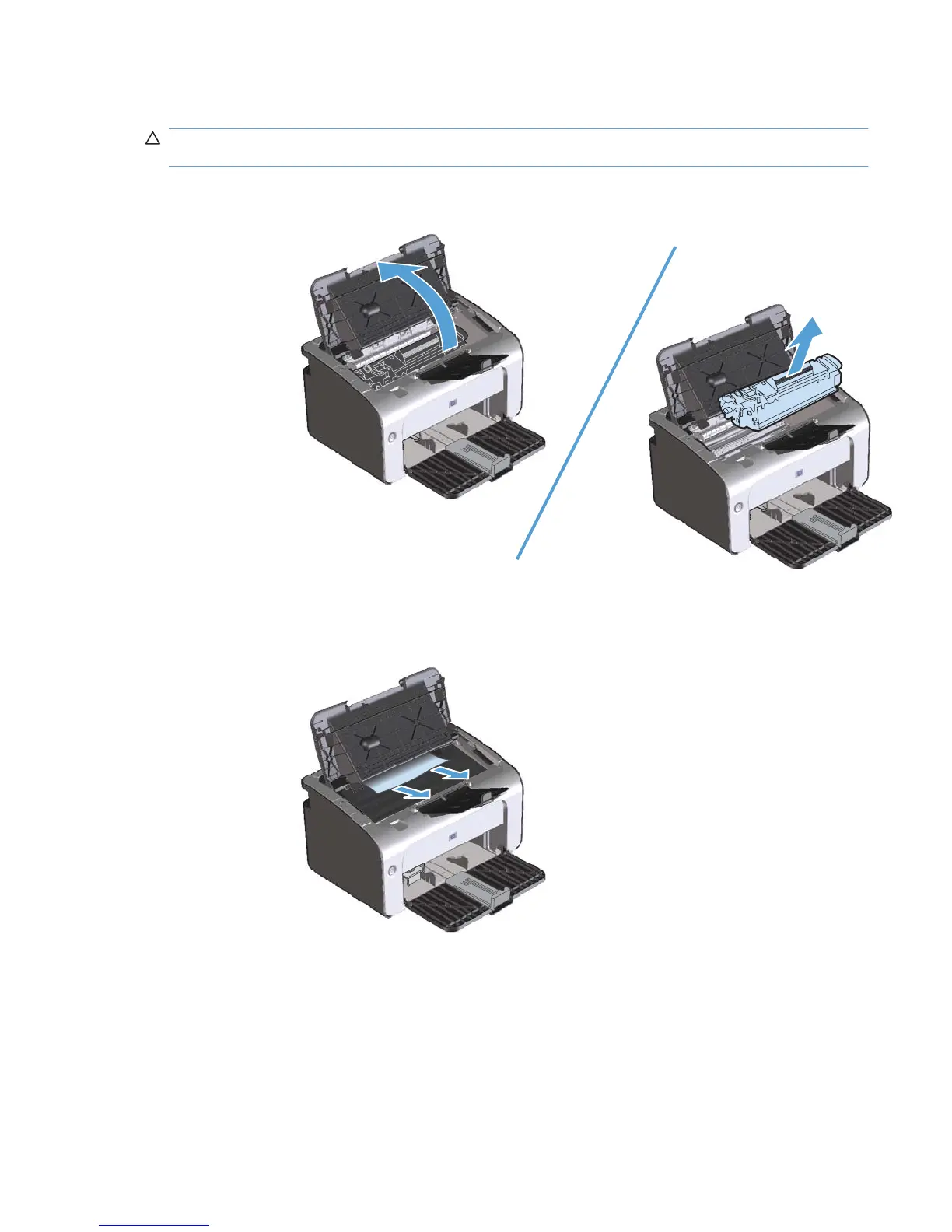
Clear jams from the output areas
CAUTION: Do not use sharp objects, such as tweezers or needle-nose pliers, to remove jams.
Damage caused by sharp objects will not be covered by the warranty.
1. Open the print-cartridge door, and then remove the print cartridge.
2. Keep the print cartridge door open, and then with both hands, grasp the side of the jammed media
that is most visible (this includes the middle), and carefully pull it free from the product.
ENWW Clear jams 77



 To Next Page