Clear jams from inside the product
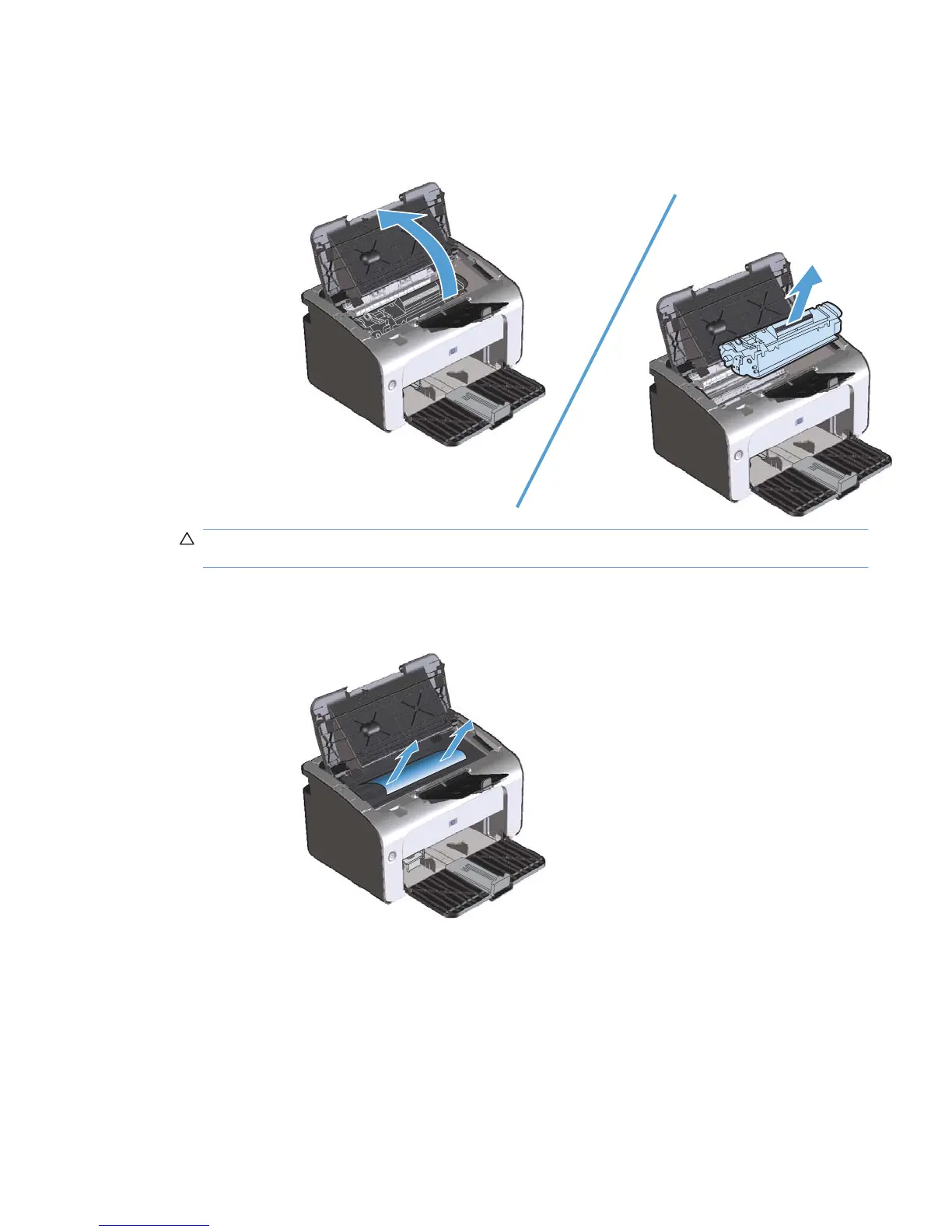
1. Open the print-cartridge door, and then remove the print cartridge.
CAUTION: To prevent damage, do not expose the print cartridge to light. Cover it with a piece
of paper.
2. If you can see the jammed paper, carefully grasp the jammed paper, and slowly pull it out of the
product.
ENWW Clear jams 79



 To Next Page