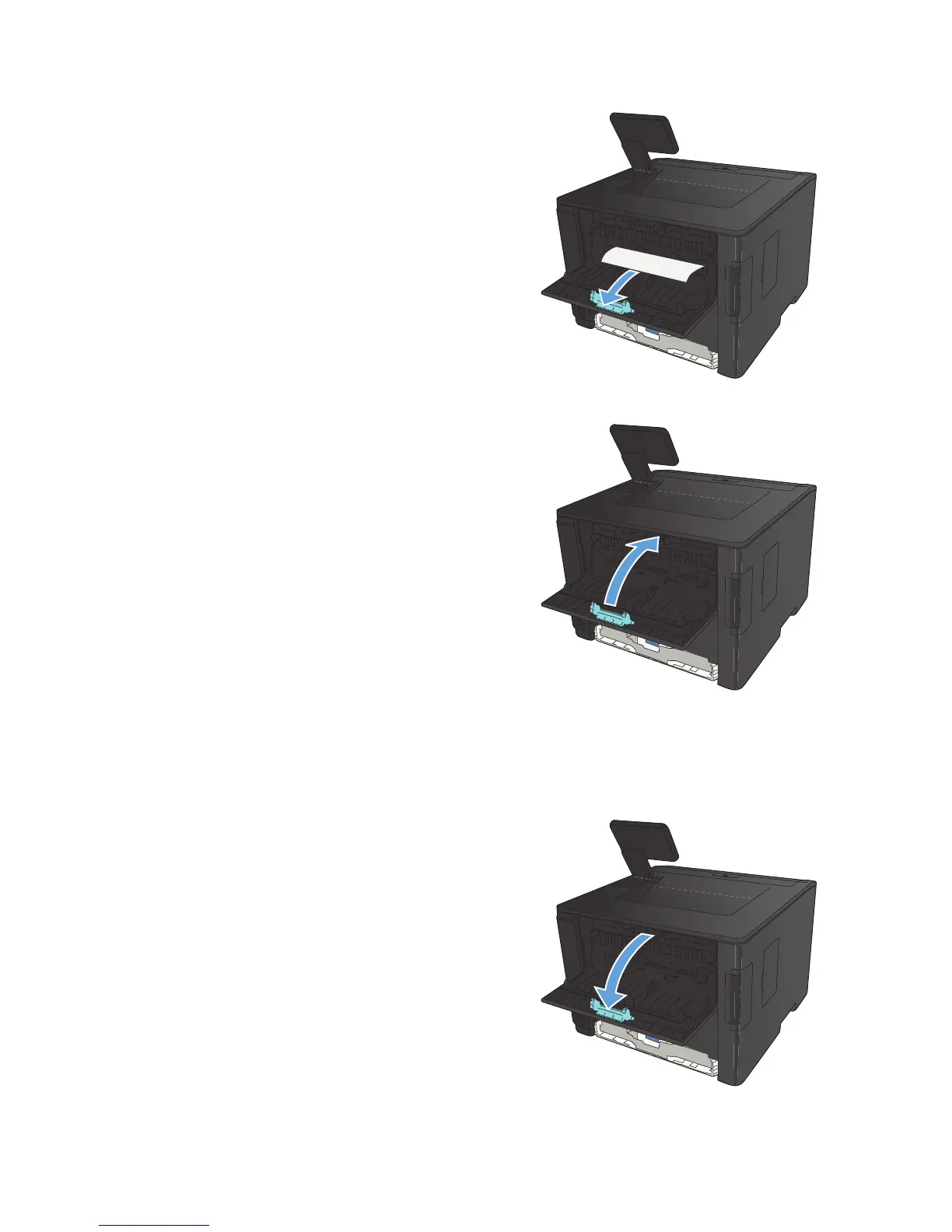
2. Remove any jammed sheets.
NOTE: If the sheet tears, remove all
fragments before resuming printing.
CAUTION: Wait until the fuser area has
cooled before clearing the jam.
3. Close the rear door.
Clear a jam in the fuser area
1. Open the rear door.
104 Chapter 5 Solve problems ENWW



 To Next Page