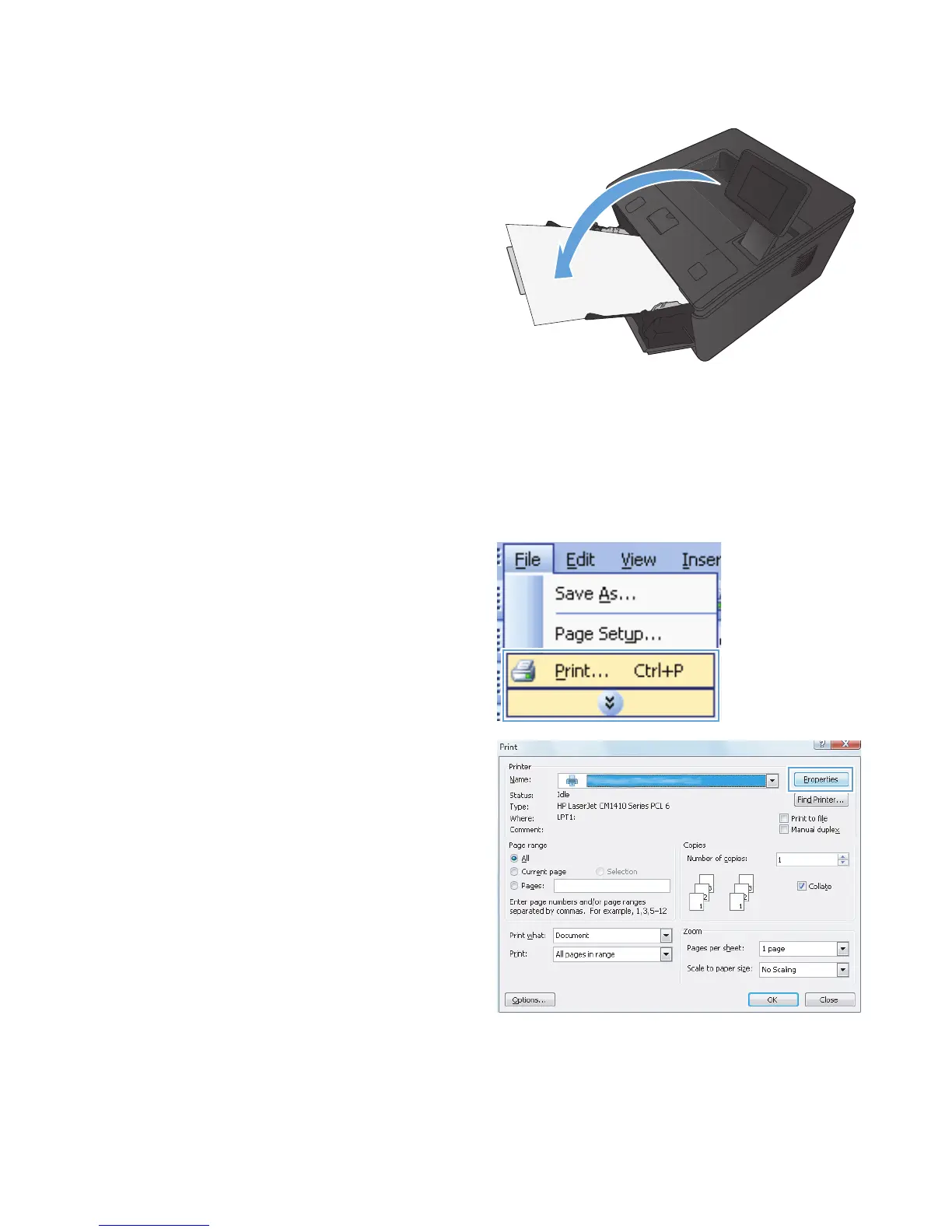
5. Retrieve the printed stack from the output bin
and, maintaining the same orientation, place it
in Tray 1 with the printed side down and the
top of the pages toward the product.
6. On the control panel, press the OK button to
print the second side of the job.
Print multiple pages per sheet with Windows
1. On the File menu in the software program,
click Print.
2. Select the product, and then click the
Properties or Preferences button.
34 Chapter 3 Print ENWW



 To Next Page