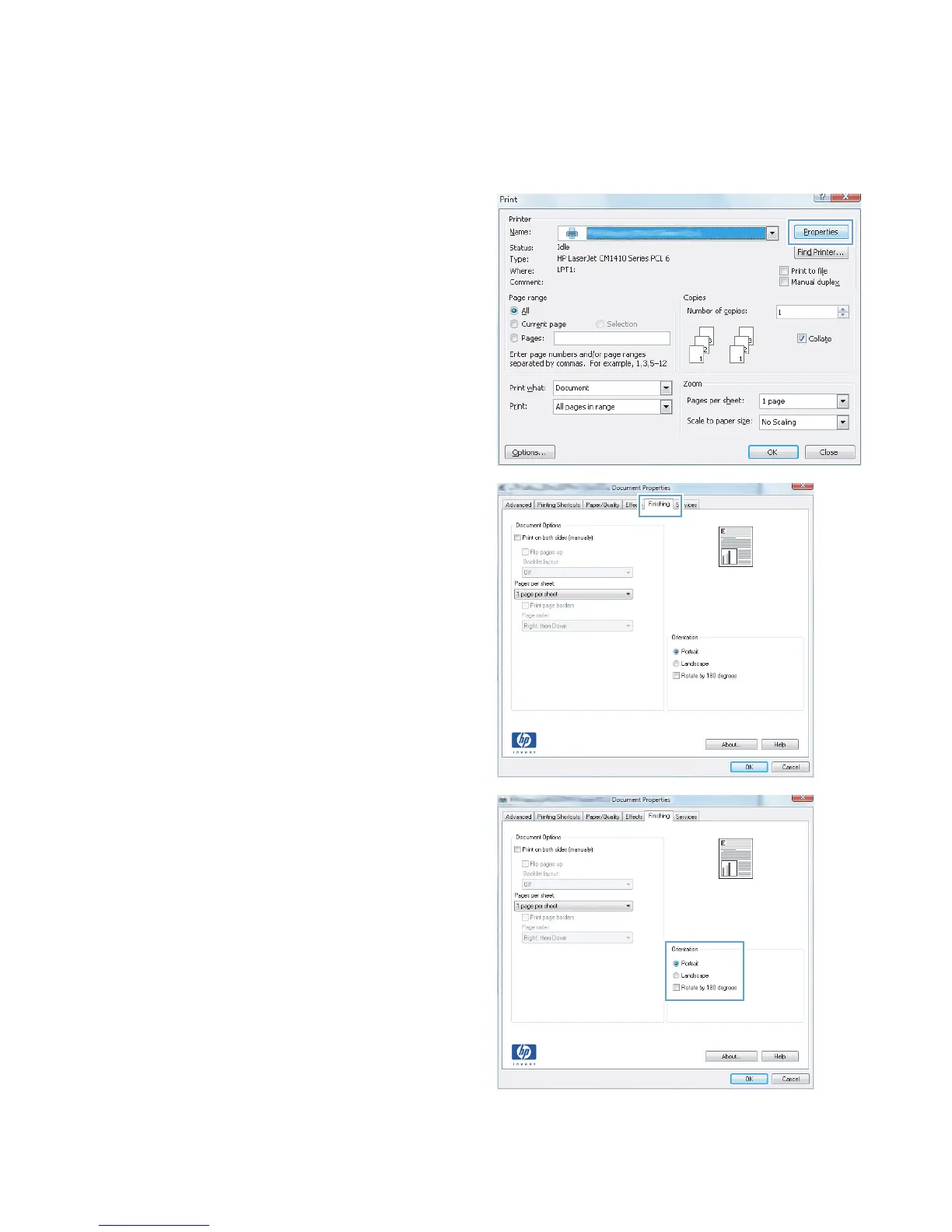
Select the page orientation (Windows)
1. From the software program, select the Print
option.
2. Select the product, and then click the
Properties or Preferences button.
3. Click the Finishing tab.
4. In the Orientation area, select the Portrait
or Landscape option.
To print the page image upside down, select
the Rotate by 180 degrees option.
36 Chapter 3 Print ENWW



 To Next Page