Replacement instructions
Change the toner cartridge
When a toner cartridge approaches the end of useful life, you are prompted to order a replacement.
You can continue printing with the current cartridge until redistributing the toner no longer yields
acceptable print quality.
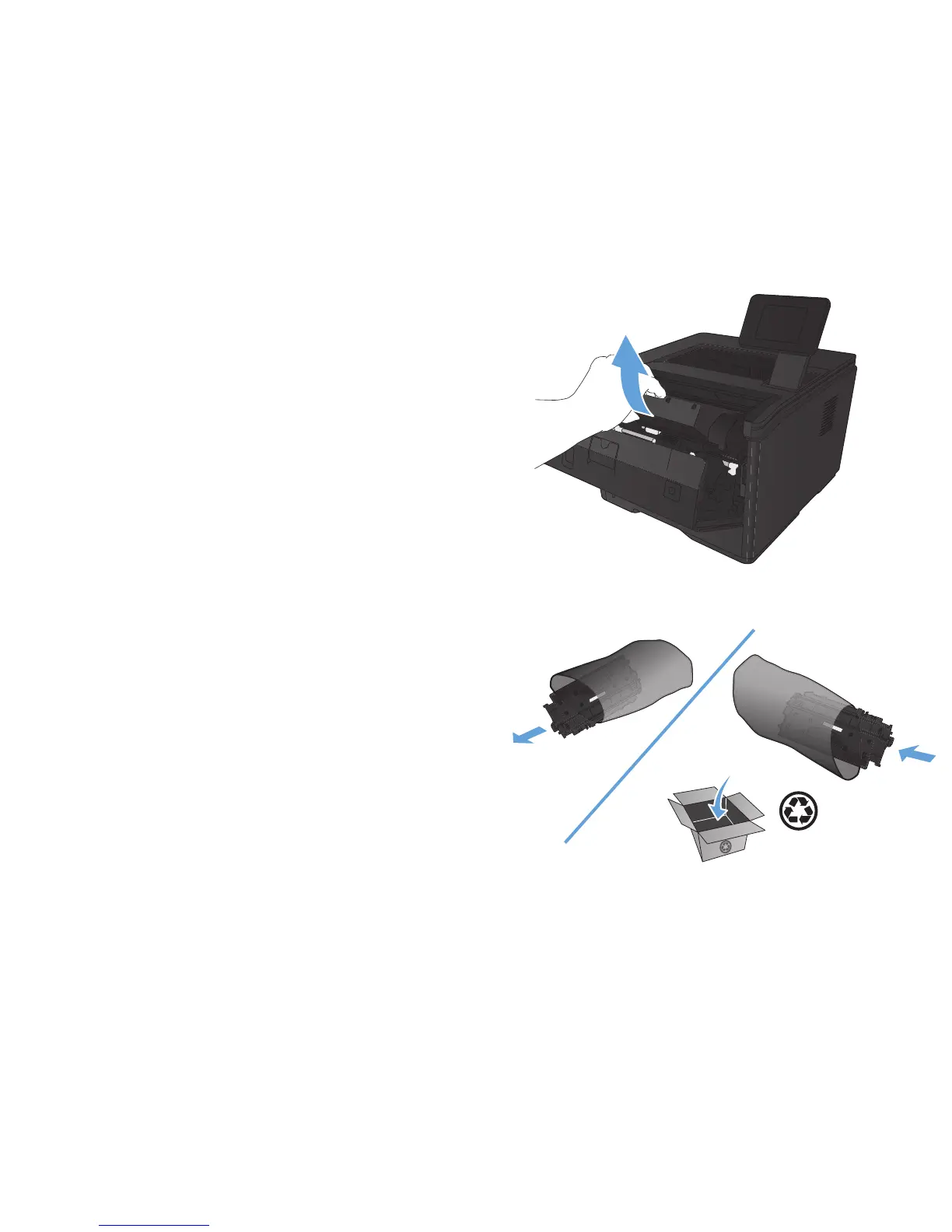
1. Open the toner cartridge door, and then
remove the toner cartridge.
2. Remove the new toner cartridge from the bag.
Place the used toner cartridge in the bag for
recycling.
ENWW
Replacement instructions
77



 To Next Page