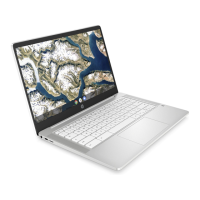
Step 1 - Turn on the Chromebook
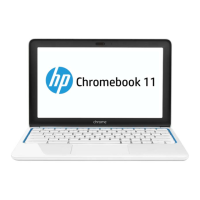
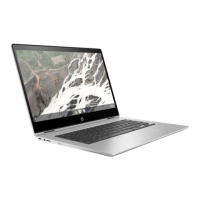
by pressing the Power Button in the
upper right corner of the keyboard
(see left image). You should see a
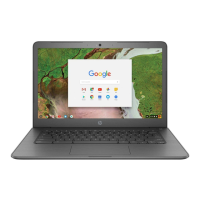
screen inviting you to Sign in to
your Chromebook. Select “Next”.
Step 2 - Enter your district
username
Step 3 - Enter your district
password
Step 4 - Click “Sign In”
*Additional Note - If you get a
wireless connection error, please
be sure to choose your home
network.



 To Next Page
