
 Need help?
Do you have a question about the HP Compaq dc5800 and is the answer not in the manual?
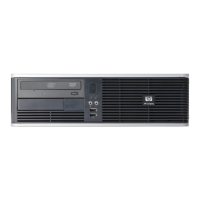
Identifies and explains the components on the front of the PC.
Details the different slots and features of the media card reader.
Identifies and explains the ports and connectors on the rear of the PC.
Explains the function of different keys on the keyboard.
Describes functions performed using the Windows Logo key combinations.
Shows the location of the computer's serial and product ID numbers.
Step-by-step instructions to remove the computer's access panel.
Step-by-step instructions to replace the computer's access panel.
Instructions for removing the front bezel of the computer.
Details on how to remove blank covers from drive bays.
Instructions for reinstalling the front bezel of the computer.
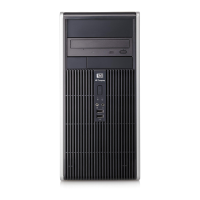
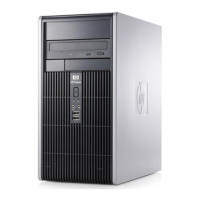
Guides on orienting the PC for tower usage and adjusting the logo plate.
Information on the types of memory (DIMMs) and their compatibility.
Explains how to install memory modules into the system board sockets.
Step-by-step guide for installing memory modules (DIMMs).
Procedures for adding or removing expansion cards like PCI/PCIe.
Identifies the locations for internal and external drives.
General guidelines for installing and removing various drive types.
Details SATA and other connectors for drives on the system board.
Step-by-step instructions to remove the optical drive.
Guides for installing a new optical drive into the bay.
Instructions to remove a 3.5-inch external drive, like a diskette drive.
Guides for installing drives into the 3.5-inch external bay.
Step-by-step guide to remove and replace the main internal hard drive.
Procedures for swapping a hard drive in a removable carrier.
Provides physical dimensions of the computer in inches and cm.
Lists the approximate weight of the computer in pounds and kg.
Details acceptable temperature and humidity levels for operation.
Details voltage ranges, rated voltage, and line frequency for power.
Instructions for replacing a coin cell battery in Type 1 holders.
Instructions for replacing a coin cell battery in Type 2 holders.
Instructions for replacing a coin cell battery in Type 3 holders.
General information on securing the computer using locks.
Illustrates how to attach a padlock for security.
Guides for using the HP branded security cable lock.
Describes how to secure the front bezel with a screw.
Precautions to avoid damage from static electricity.
Various methods for grounding oneself to prevent ESD.
Best practices for computer setup, operation, and maintenance.
Guidelines for operating and cleaning the optical drive.
Steps to take when preparing the computer for shipping.







 To Next Page


 General