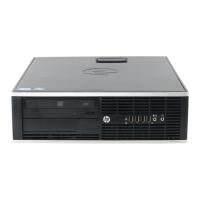
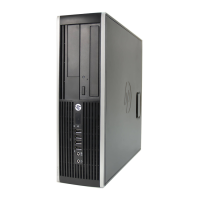
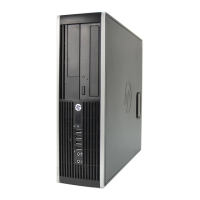
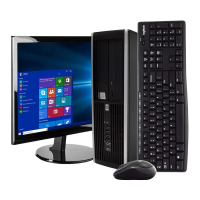
Small Form Factor
1. Rear I/O includes (6) USB 2.0 ports, serial port, PS/2
mouse and keyboard ports, RJ-45 network interface,
DisplayPort and VGA video interfaces, and audio in/out jacks
2. Low profile expansion slots include (1) PCI slot, (1) PCI
Express x1 slots and (2) PCI Express x16 graphics slot
NOTE:
2nd PCIe x16 slot has x4 connectivity.
3. Front I/O includes (4) USB 2.0 ports, dedicated
headphone output, and a microphone/headphone jack
4. HP Optical Mouse
5. HP Keyboard
6. 3.5” external drive bay supporting a media card reader
or a secondary hard disk drive
7. 5.25” external drive bay supporting an optical disk drive
8. 3.5” internal drive bay supporting primary hard disk drive
9. 240W standard or high efficiency Power Supply
10. HP Monitor (sold separately)
QuickSpecs
HP Compaq 8100 Elite PC
Overview
DA - 13524 Worldwide QuickSpecs — Version 14 — 6/24/2010
Page 1

 Need help?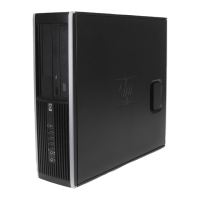





 To Next Page
 General