22
8.2 How to use software
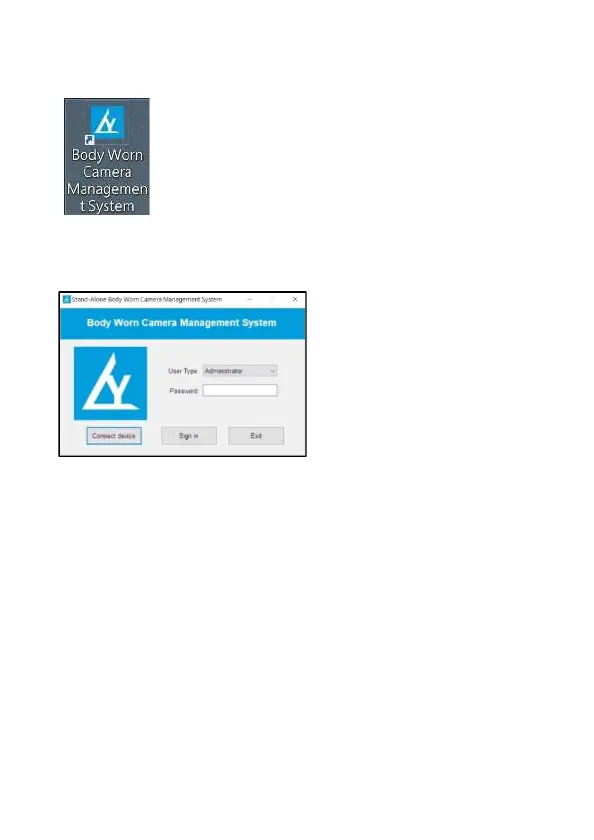
1. After installation, there is a small shortcut icon at your desktop.
2. Power on the device, and use USB cable to connect the device and
computer. Double click the small shortcut icon at your desktop to open
the software.
Initial password:000000
Click [Connect device], and then click [Sign in] to enter software
interface.
*Note: User type: Admin and domestic consumer
Admin: manage all interface, settings of camera including date
and time setting, read and reset device ID and user ID, change
Admin and Domestic consumer password and etc. And also
enter “U Disk” to read the files.
Domestic consumer: date and time setting, read device ID and
user ID, change Domestic consumer password and etc. And also,
enter “U Disk” to read the files.



 To Next Page