24
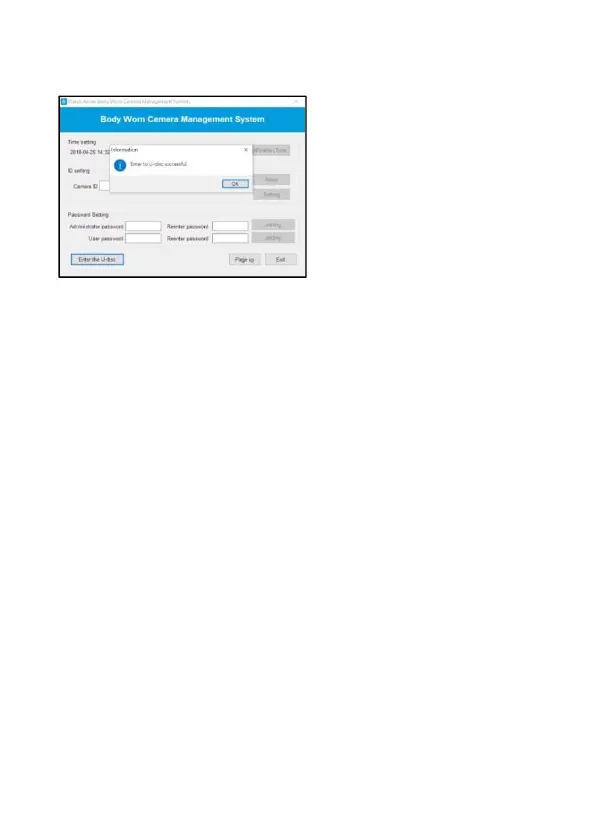
6. Click “Enter the U-disc”. The message pops up. Click “OK” to enter U
disk and check the recorded files.
*Note: When you enter U Disk, you will not be able to use the software
interface. If you want to continue to use the software, you will need to
unplug the device, and re-launch the software.
*Note: If the device is not recognized by the software, please try another
computer or cable to connect.



 To Next Page