EN
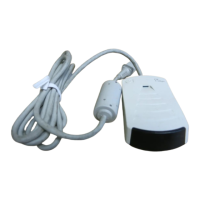
HP Fast InfraRed Receiver
9
Printing with the HP Fast Infrared
Receiver
Setting Up to Print with Windows 9x
Before launching the HP Fast Infrared driver, complete the
following steps:
1
From the
Printers
panel, select your HP LaserJet printer
as the default printer.
2
While in the same
Printers
panel, go to
Properties/
Details
, and make sure that
Virtual Infrared LPT Port
is
selected.
3
Select the file to print.
Setting Up to Print with Macintosh
1
Launch the
Desktop Printer Utility
.
2
Click the
Printer (Infrared)
from the
New Printer
window. Click
OK
, then click
Change
.
3
From the
PostScript Printer Description
window, click
the desired printer to print to.
4
From the
File
menu, select
Save
.
5
From the
File Browser
window, name your desktop
printer, then click
Save
.
6
Quit out of the
Desktop Printer Utility
.


 To Next Page