EN
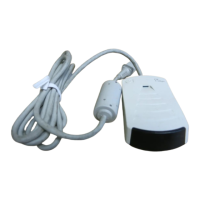
HP Fast InfraRed Receiver
5
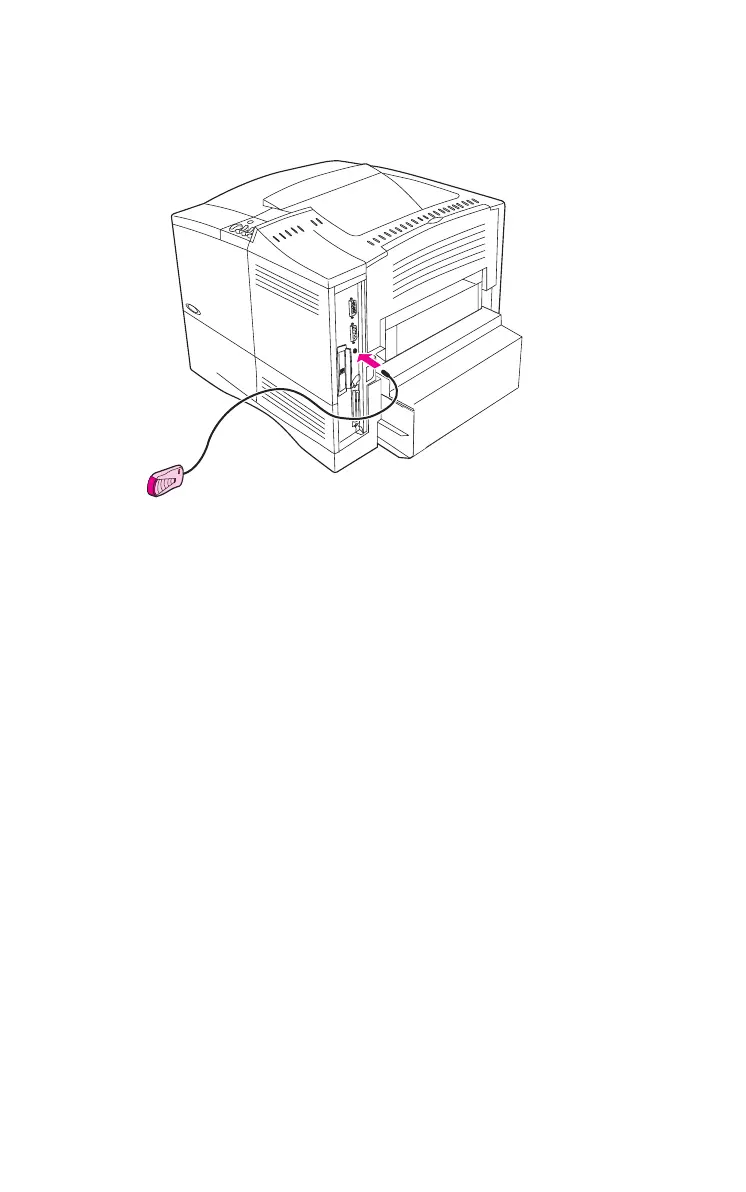
Installing the HP Fast InfraRed Receiver
Figure 2
IR Port on a HP LaserJet Printer
Follow the instructions below to print a configuration page.
1
Turn the printer’s power switch off.
2
Attach the HP Fast InfraRed Receiver to the IR port on
the rear of the HP LaserJet printer.
3
Turn the printer’s power switch on.
4
On the control panel, make sure the printer is on and the
READY
message is displayed.
5
Press Menu until the display reads
INFORMATION MENU
.
6
Press
Item until the display reads
PRINT
CONFIGURATION
.


 To Next Page