4–10 Reference Guide
Scheduling
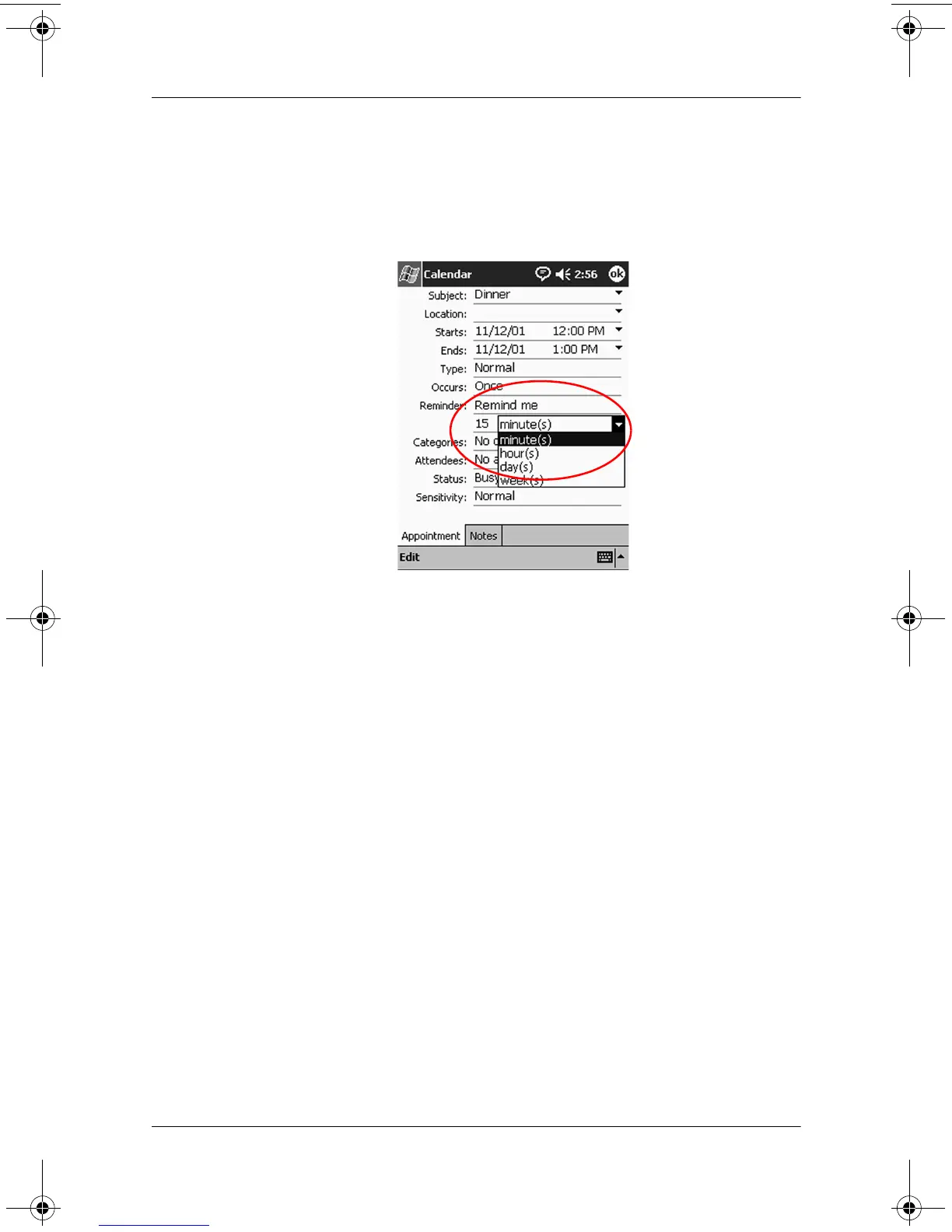
3. Tap Edit.
4. Tap the second Reminder field to select the time interval
between reminders. The default is 15 minutes.
Delete Appointments
1. From the Start menu, tap Calendar.
2. Tap an appointment.
3. Tap Tools.
4. Tap Delete Appointment.
5. Tap Yes to confirm deletion.
Categorize Appointments
You can use categories to filter the appointments in your calendar.
To categorize appointments:
1. From the Start menu, tap Calendar.
2. Tap an appointment.
3. Tap Edit.
311757-001.book Page 10 Friday, October 11, 2002 12:02 PM



 To Next Page