10 www.hp.com User’s Guide
Checking the GPS Connection Status
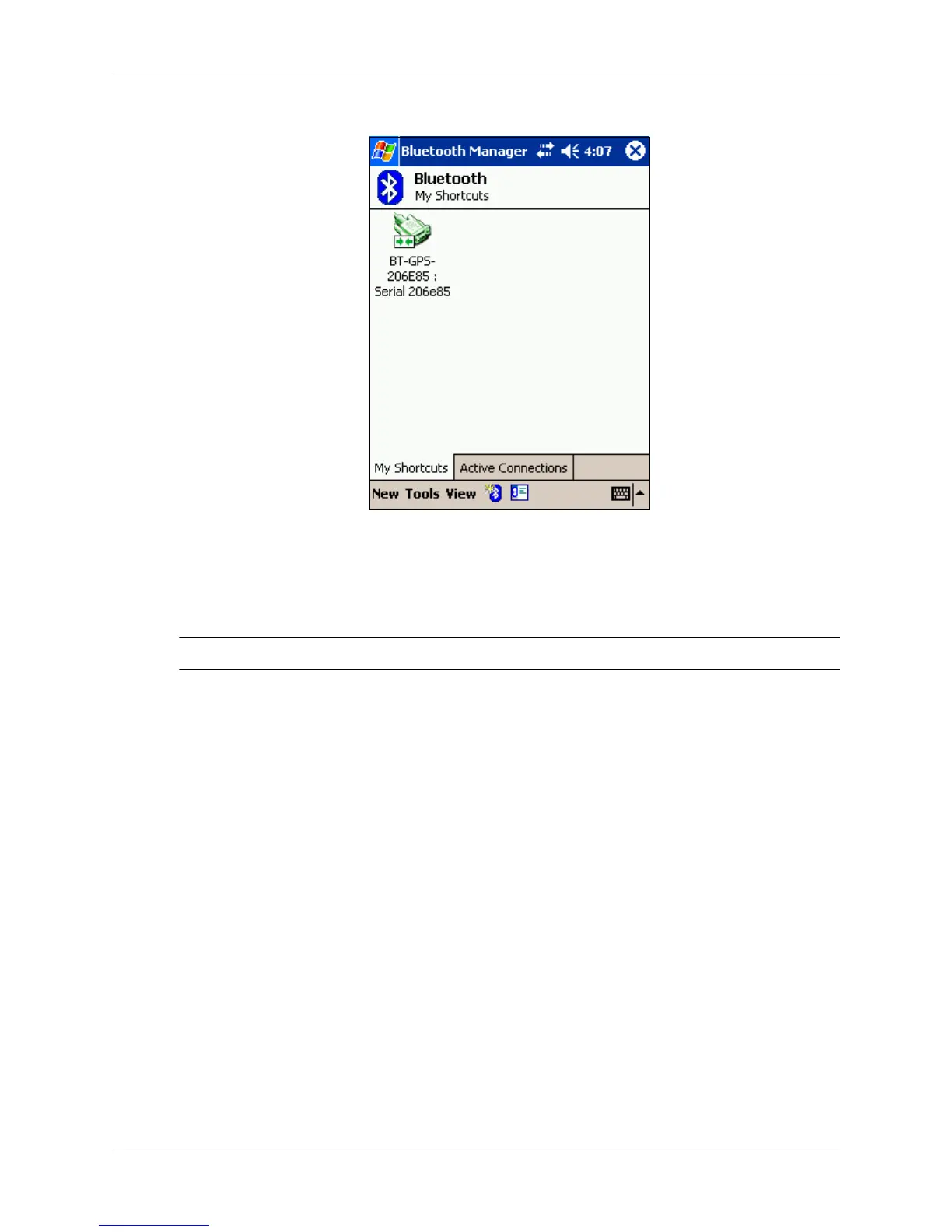
1. To check the status for the Bluetooth GPS receiver and the iPAQ PocketPC, tap the Bluetooth
icon on the Today screen.
✎
Note: The Bluetooth icon is located on the lower right side of the screen.
2. Tap Bluetooth Manager.
3. The Bluetooth Manager screen displays.
4. Tap the Active Connections tab at the bottom of the screen.
If a connection is established, an icon with the label “BT-GPS-XXXXXX” displays. The green
line next to the icon indicates an active connection.



 To Next Page
 Loading...











