1. Open the cover.
2.
If the carriage does not move to the left automatically, press and hold the
(Resume button) until the carriage moves to the left. Wait for the carriage to stop
moving, and then unplug the power cord from the printer.
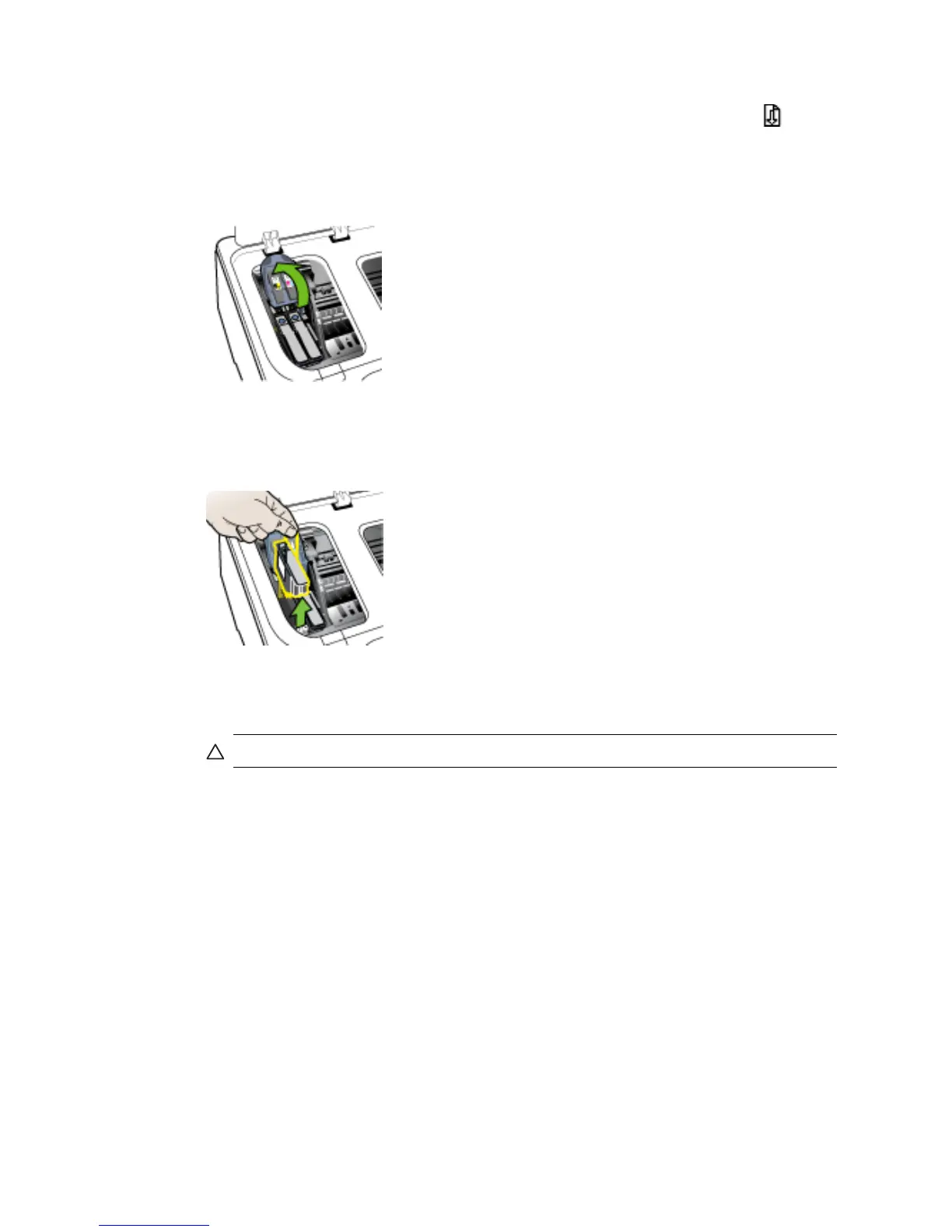
3. Lift the printhead latch.
4. Lift the handle of the printhead you want to replace and and pull the printhead out
of its slot.
5. Obtain clean, dry, soft and lint-free cleaning material. Suitable materials include
paper coffee filters and eyeglass lens cleaning paper.
CAUTION: Do not use water.
Chapter 5
50 Maintain and troubleshoot



 To Next Page