HP LaserJet M1319 MFP Series – Copy
© 2008 Copyright Hewlett-Packard
Development Company, L.P.
3
www.hp.com
How do I? Steps to perform
Copying a two-sided original to a two-sided
document (continued)
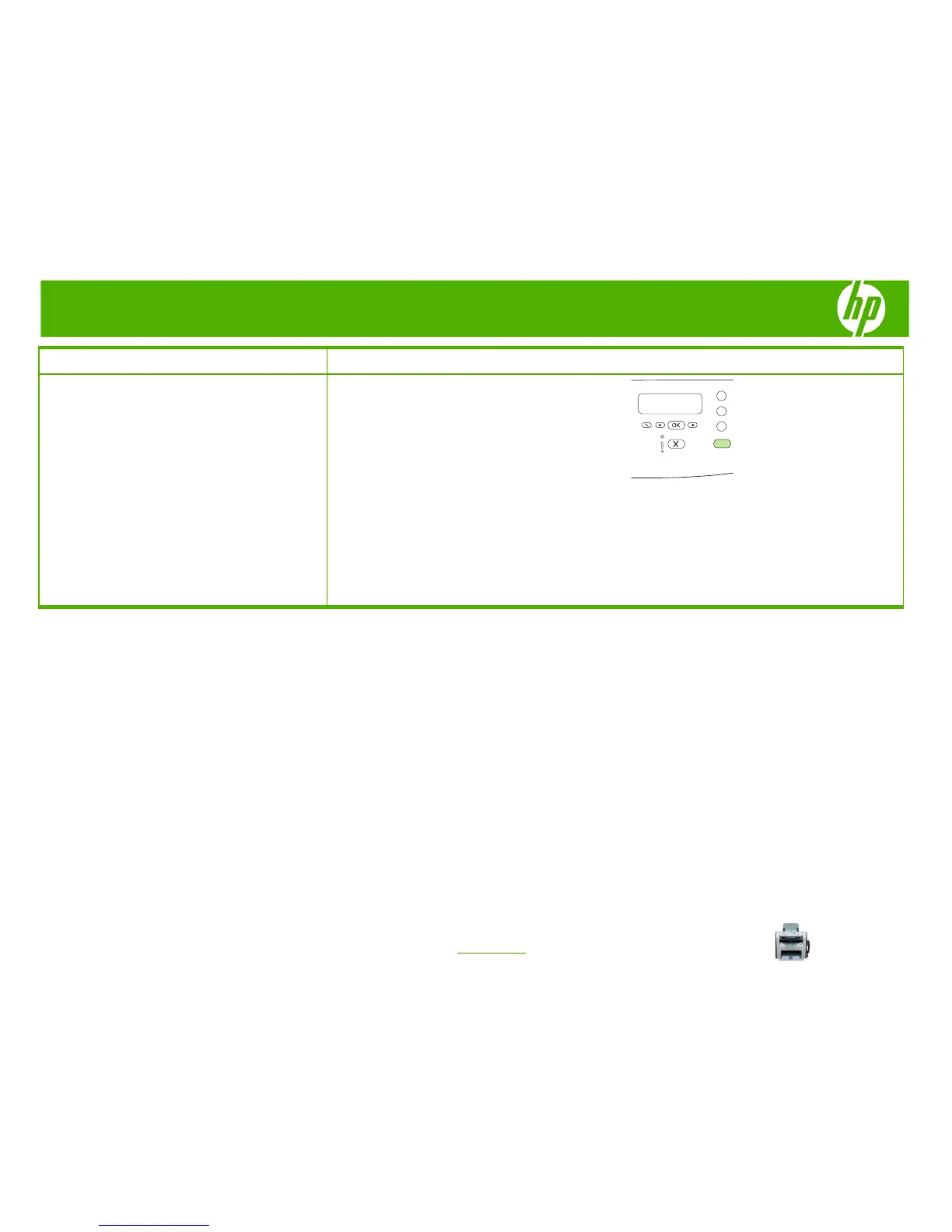
5 Press Start Copy.
6 Remove the copied page from the output bin, and then
set it aside for manual collating.
7 Repeat steps 1 through 6, following the original
document page order, until all pages of the original are
copied.



 To Next Page