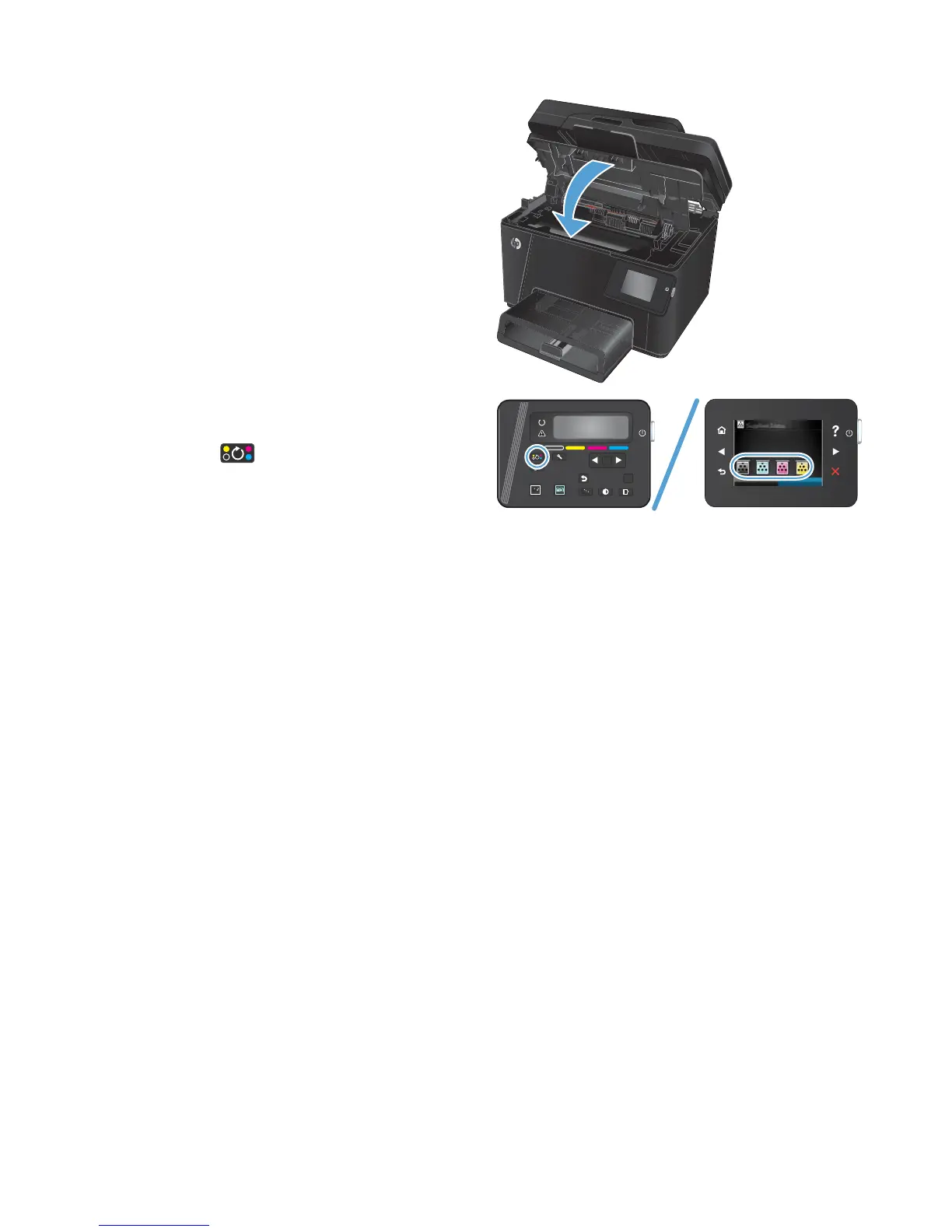
4. Close the top cover.
5. Rotate to the next cartridge to be removed.
●
LCD Control panel: Press the Rotate
Cartridges
button to move to the next
cartridge. Repeat this process until all the
toner cartridges are removed.
●
Touchscreen control panel: Touch the
Supply icon for the cartridge to be removed.
The cartridges rotate to the selected
cartridge. Repeat this process until all the
toner cartridges are removed.
NOTE: The top cover must be closed to rotate
the cartridges.
OK
X
6 Chapter 1 Removal and replacement ENWW



 To Next Page