Dust cover, input tray, and extension tray
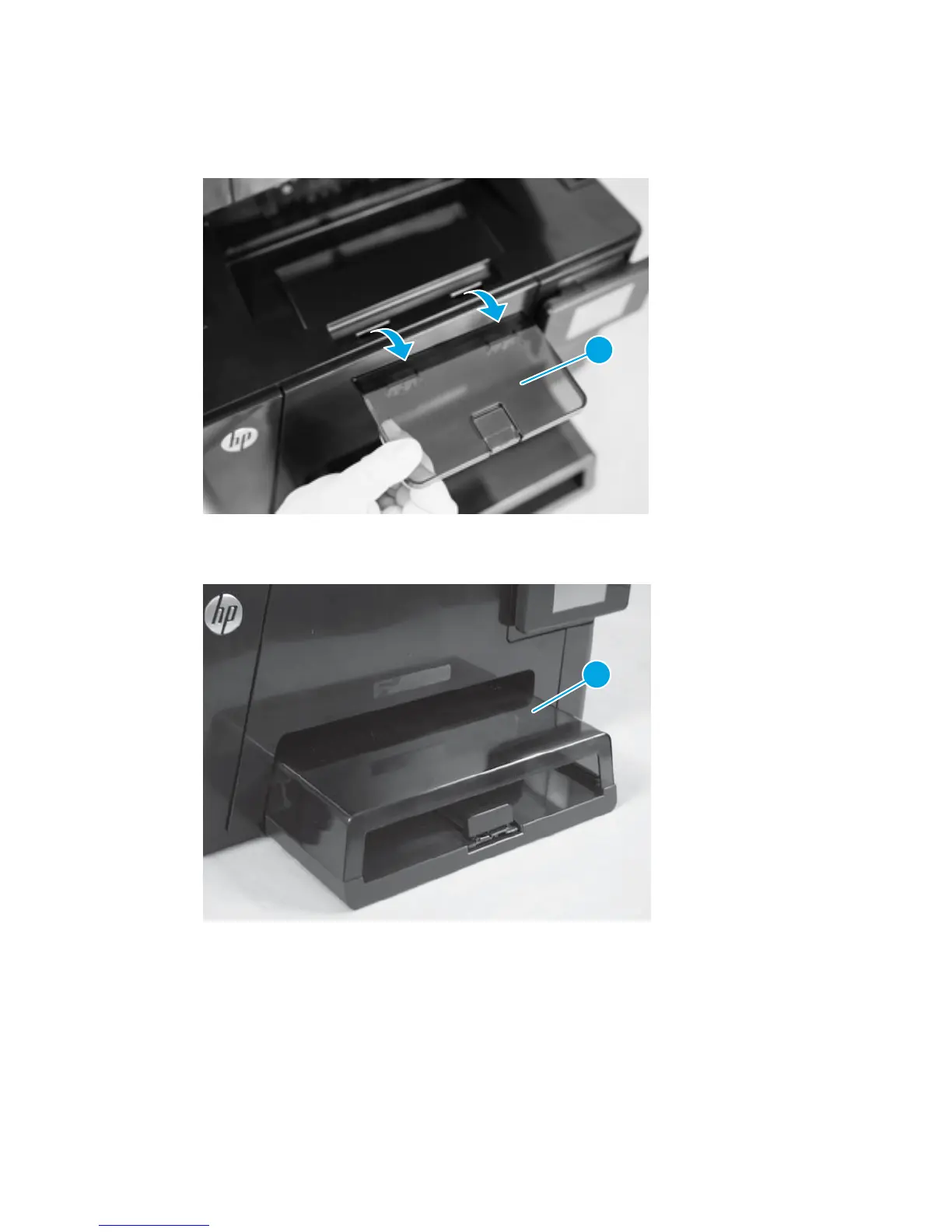
1. Lift the extension tray (callout 1) away from the product.
Figure 1-2 Remove the extension tray
1
2. Lift the dust cover (callout 1) away from the product.
Figure 1-3 Remove the dust cover
1
ENWW Removal and replacement procedures 9



 To Next Page