●
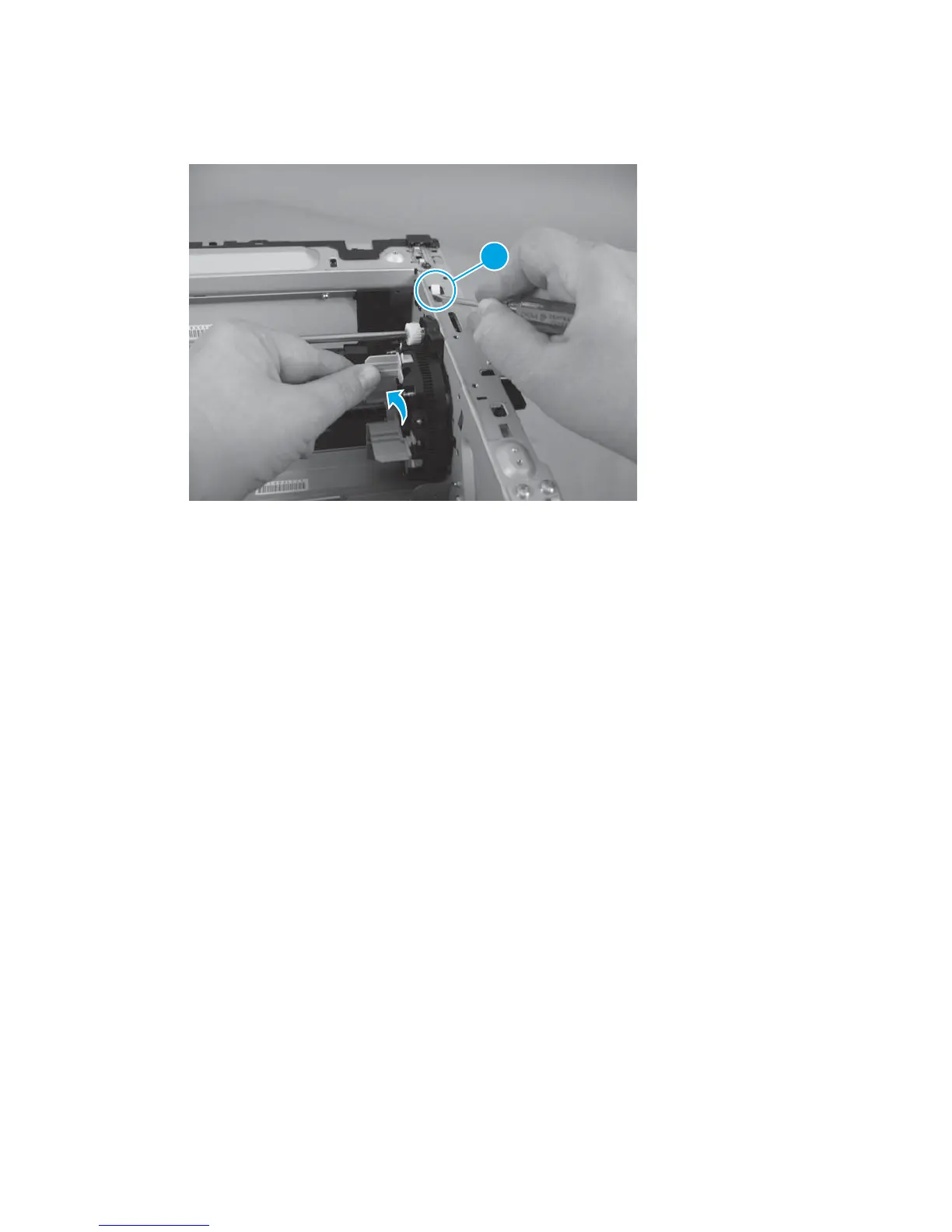
Press the cartridge release lever (callout 1) and rotate the toner cartridge carousel toward the front of
the product to make more room to reinstall the fuser delivery assembly.
Figure 1-84 Reinstall the fuser delivery assembly (3 of 3)
1
●
Thread all of the fuser cables through the opening in the chassis, and then insert the left side of the
fuser delivery assembly.
60 Chapter 1 Removal and replacement ENWW



 To Next Page