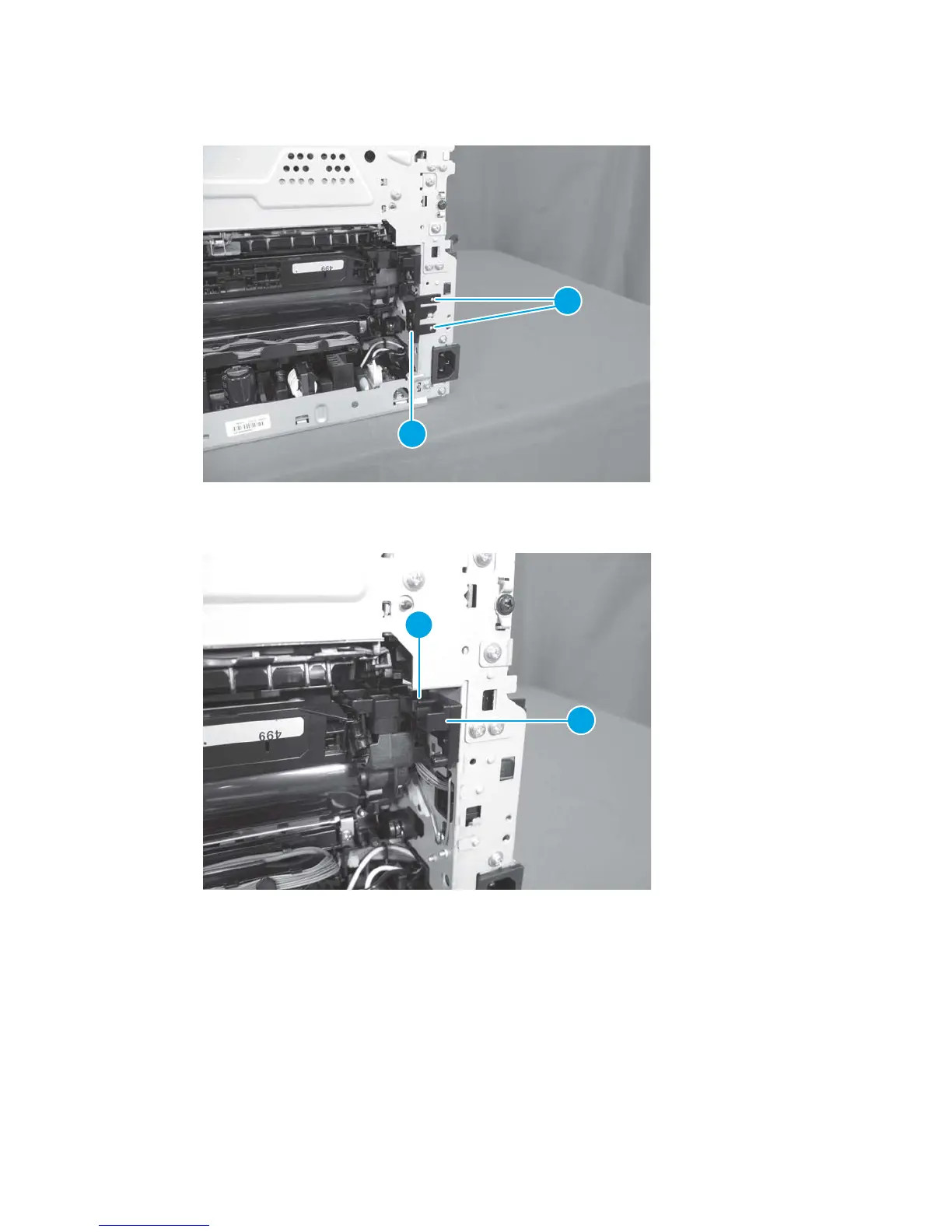
8. Release two tabs (callout 1), and remove the spring cover (callout 2).
Figure 1-94 Remove the ITB assembly (10 of 17)
1
2
9. Release one tab (callout 1), and remove the rear door arm (callout 2) on the right side.
Figure 1-95 Remove the ITB assembly (11 of 17)
1
2
ENWW Removal and replacement procedures 67



 To Next Page