Improve copy image quality
●
Check the scanner glass for dirt and smudges
●
Calibrate the scanner
●
Check the paper settings
●
Check the image-adjustment settings
●
Optimize copy quality for text or pictures
●
Edge-to-edge copying
●
Clean the pickup rollers and separation pad in the document feeder
Check the scanner glass for dirt and smudges
Over time, specks of debris might collect on the scanner glass and white plastic backing, which can affect
performance. Use the following procedure to clean the scanner.
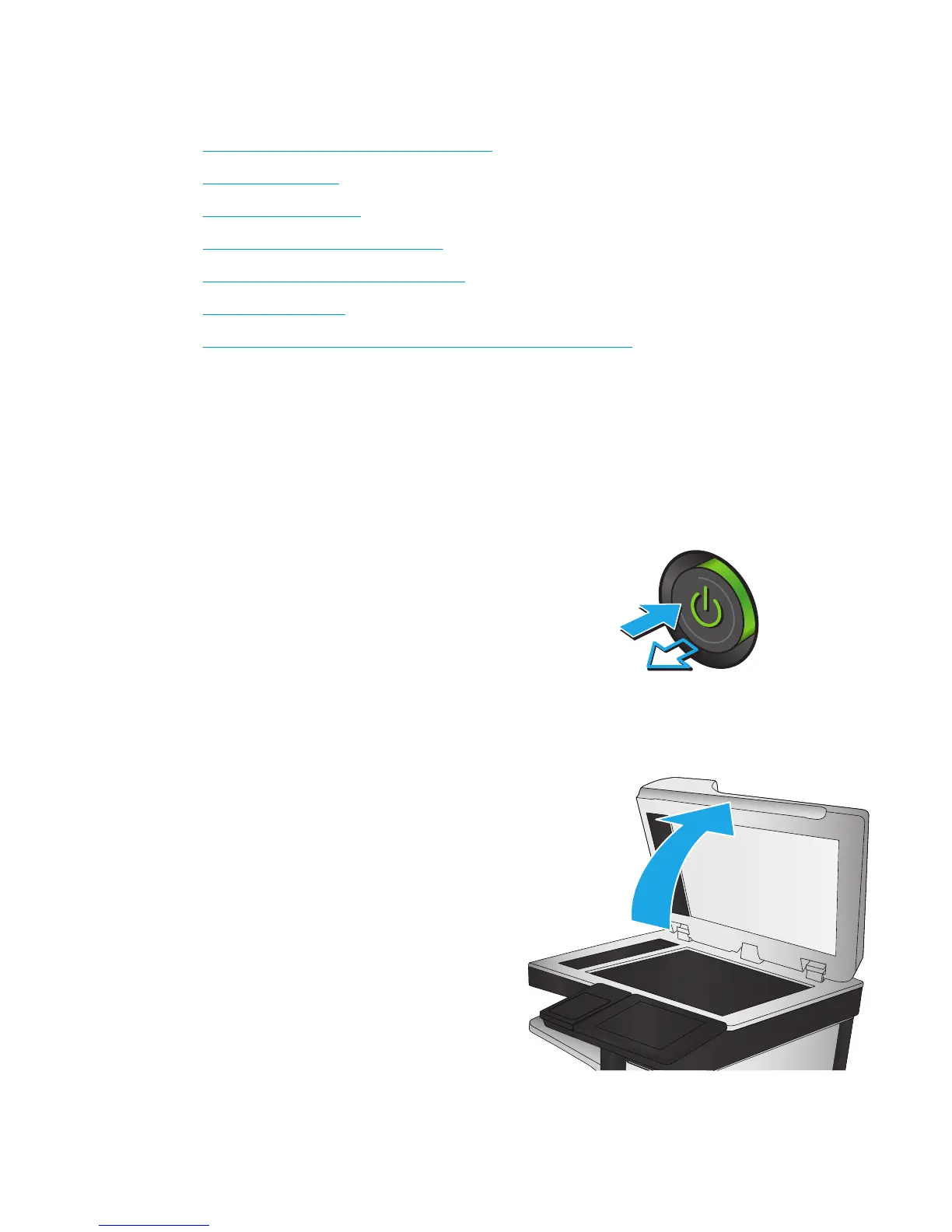
1. Press the power button to turn the product off,
and then disconnect the power cable from the
electrical outlet.
2. Open the scanner lid.
ENWW Improve copy image quality 165



 To Next Page