EL-MF877-00 Page 7
Template Revision B
3.3 List the basic steps that should typically be followed to remove components and materials requiring selective
treatment:
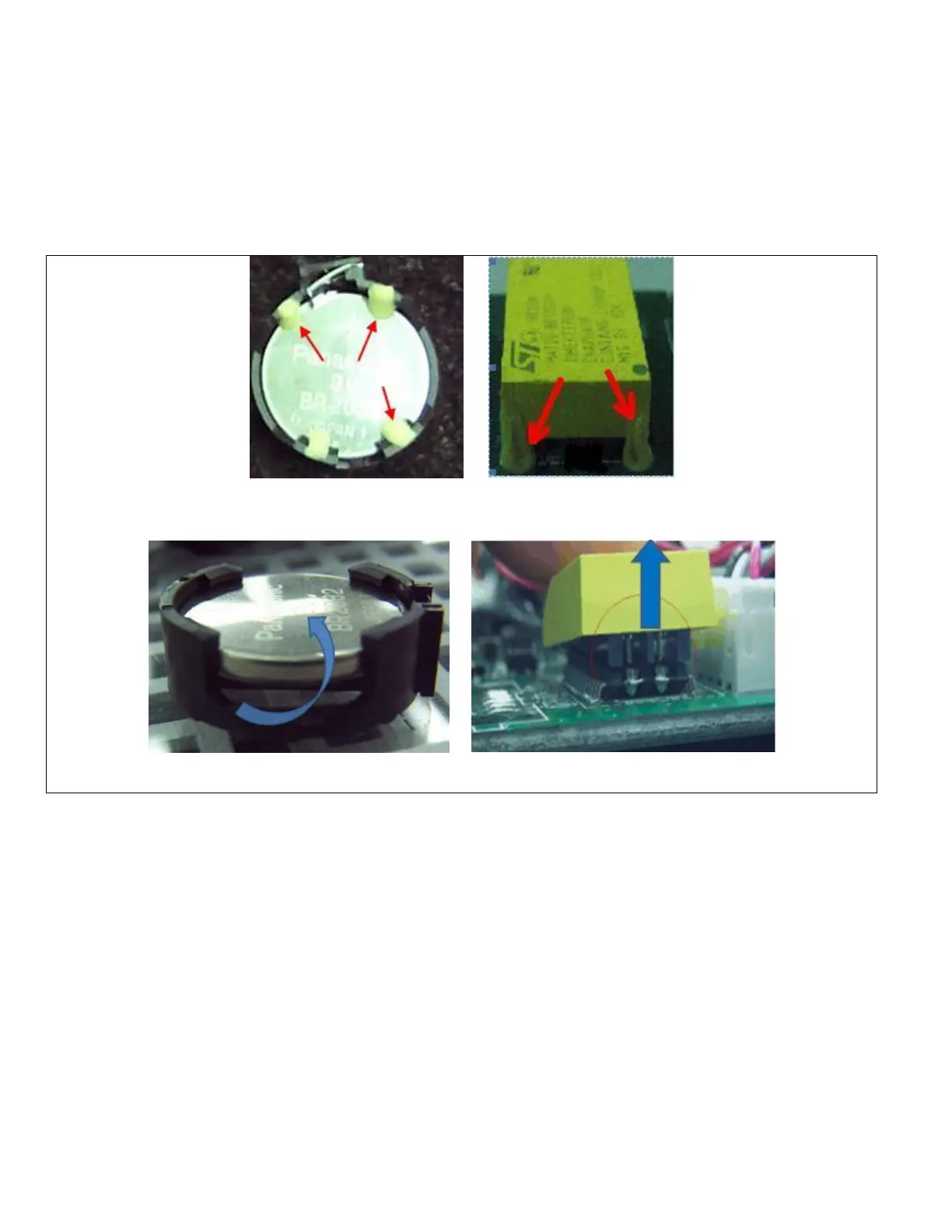
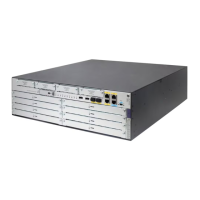
1. Clear the yellow adhesive, if had, by the tweezers.
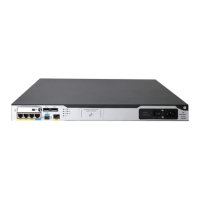
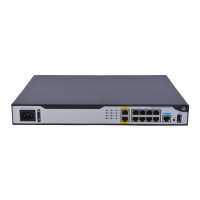
2. Pry the button battery up from socket.
3.4 Optional Graphic. If the disassembly process is complex, insert a graphic illustration below to identify the items
contained in the product that require selective treatment (with descriptions and arrows identifying locations)
Figure 11 Clear the yellow adhesives by the tweezers.
Figure 12 Pry up the button battery


 To Next Page