419694-001.book Page 5 Tuesday, April 17, 2007 10:40 PM
First-time setup
Step 2: Connect the computer to external
power
✎
Power cords and AC outlets vary in appearance by region and
country.
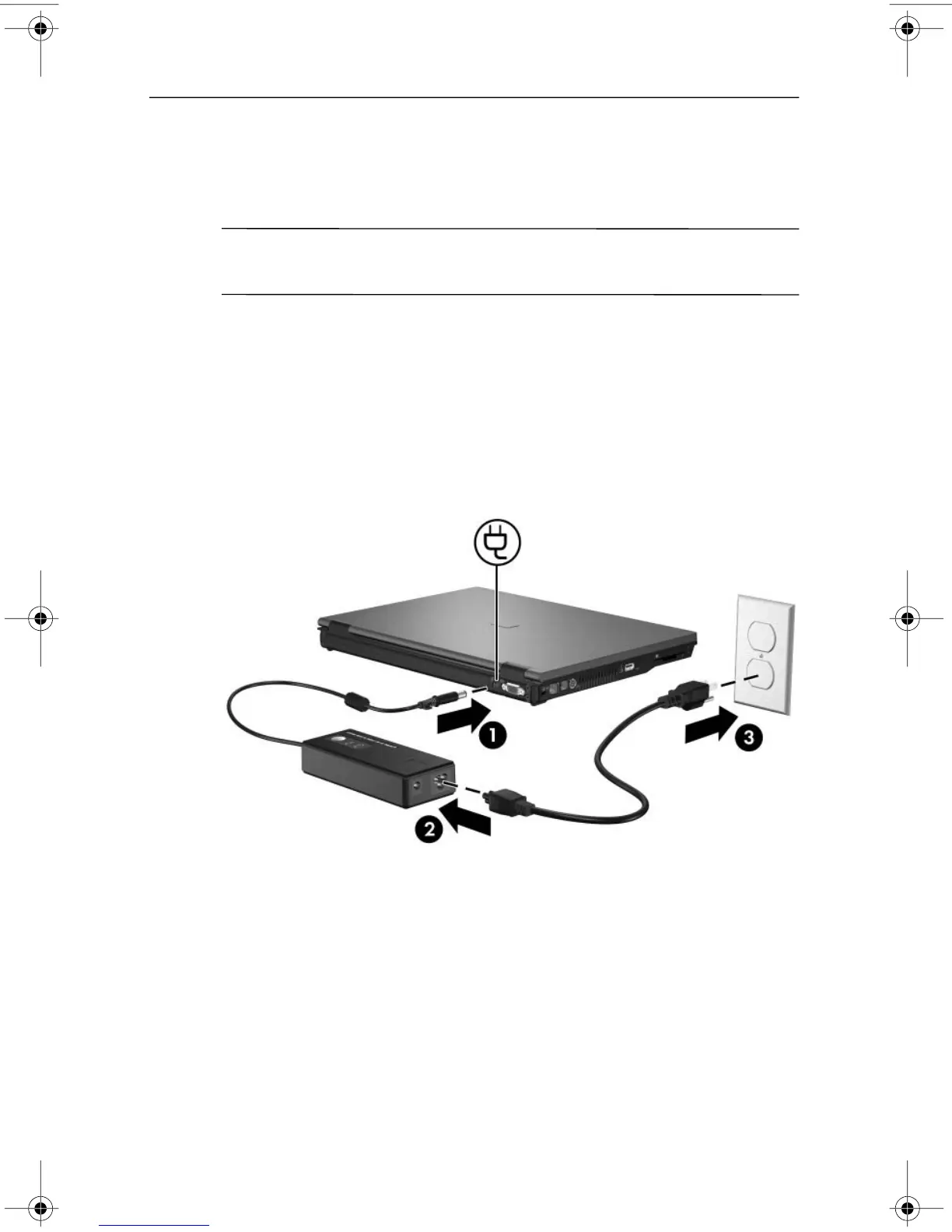
To connect the computer to external AC power:
1. Plug the AC adapter into the power connector 1 on the
computer.
2. Plug the power cord into the AC adapter 2.
3. Plug the other end of the power cord into an AC outlet 3.
Getting Started 1–5












 To Next Page