419694-001.book Page 4 Tuesday, April 17, 2007 10:40 PM
1–4 Getting Started
First-time setup
Step 1: Insert the battery
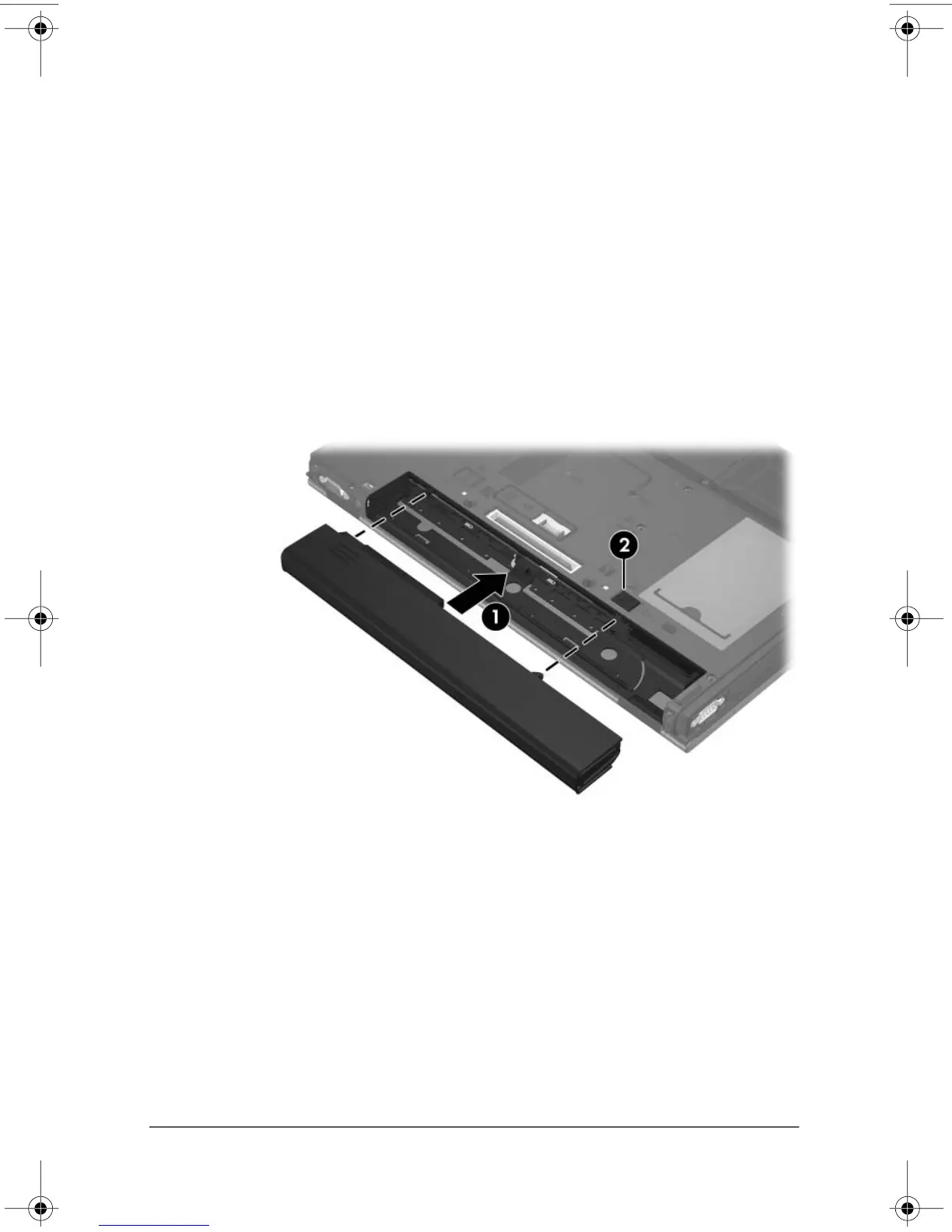
To insert a primary battery:
1. Turn the computer upside down on a flat surface, with the
battery bay toward you.
2. Slide the battery 1 into the battery bay until it is seated.
The battery release latch 2 automatically locks the battery
into place.












 To Next Page