419694-001.book Page 8 Tuesday, April 17, 2007 10:40 PM
1–8 Getting Started
First-time setup
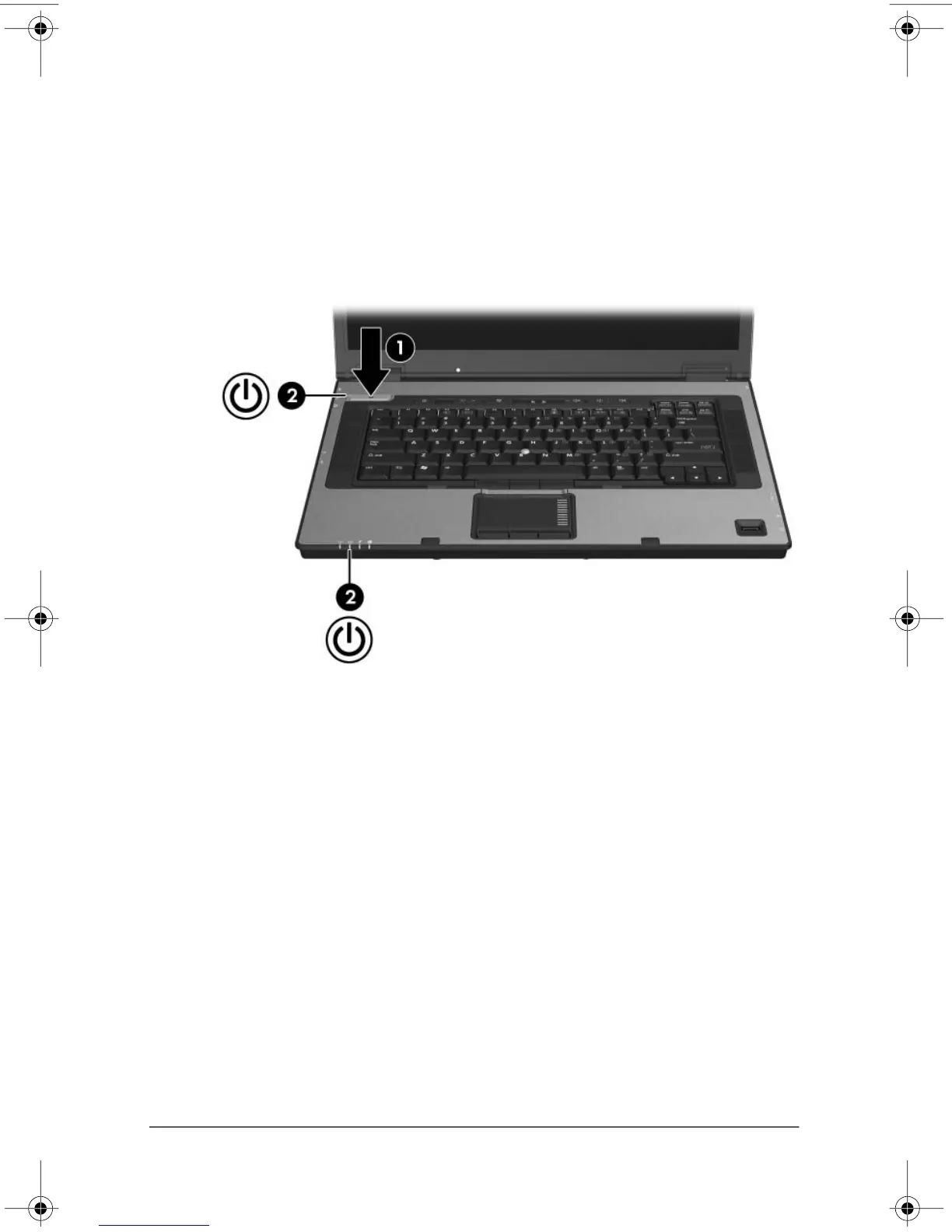
3. Press the power button 1.
The power light next to the power button and the power light
on the front of the computer 2 are turned on, and you are
prompted to begin software setup.












 To Next Page