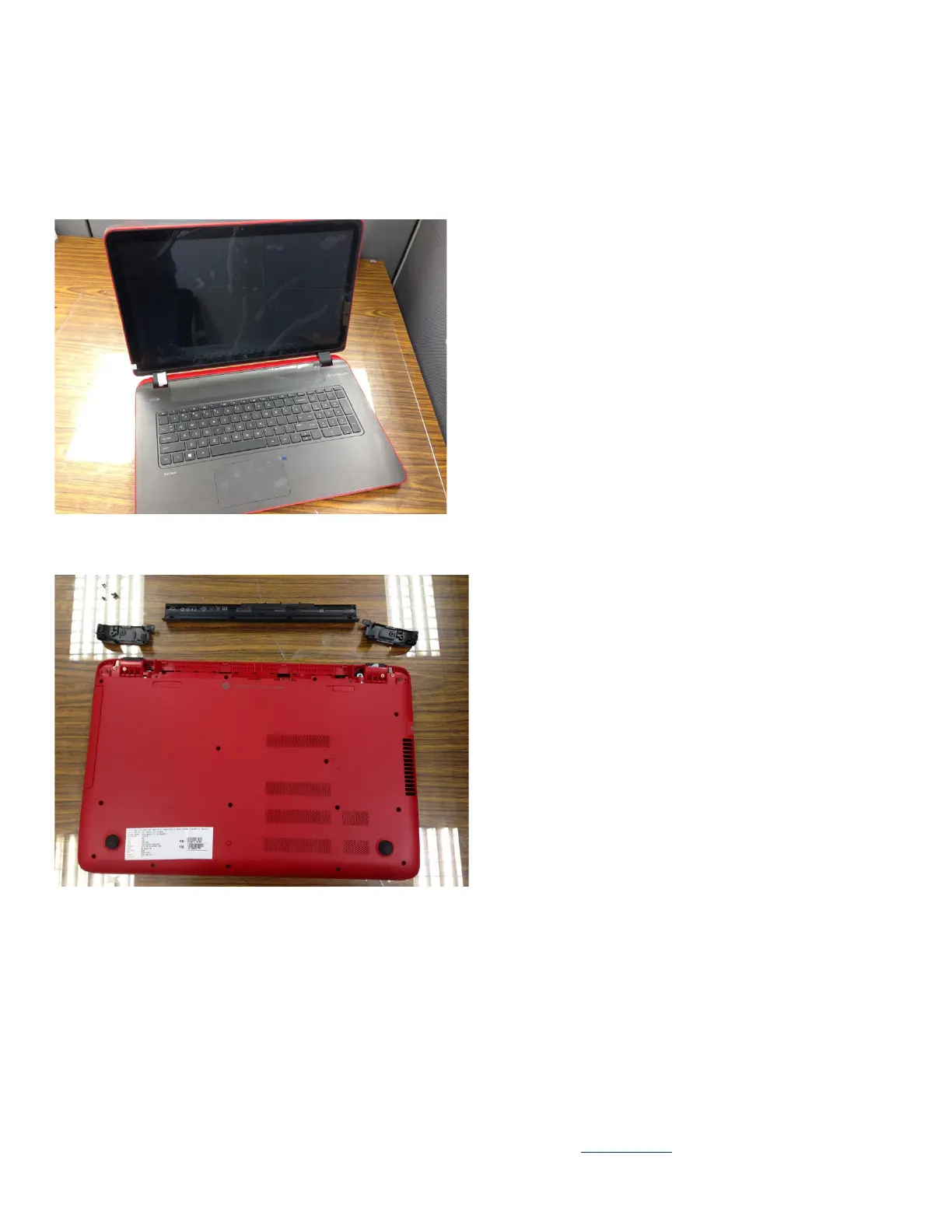
39. Remove LCD module
40. Dis-fasten Hinge screw*8
41. Remove Hinge -L & -R
42. Remove Antenna cables -L & -R
3.2 Optional Graphic. If the disassembly process is complex, insert a graphic illustration below to identify the items
contained in the product that require selective treatment (with descriptions and arrows identifying locations).
3.21 Total
3.22 Remove battery module and Base Cap -L & -R
3.23 Remove ODD module.
EL-MF877-00 Page 3
Template Revision B
PSG instructions for this template are available at EL-MF877-01










 To Next Page