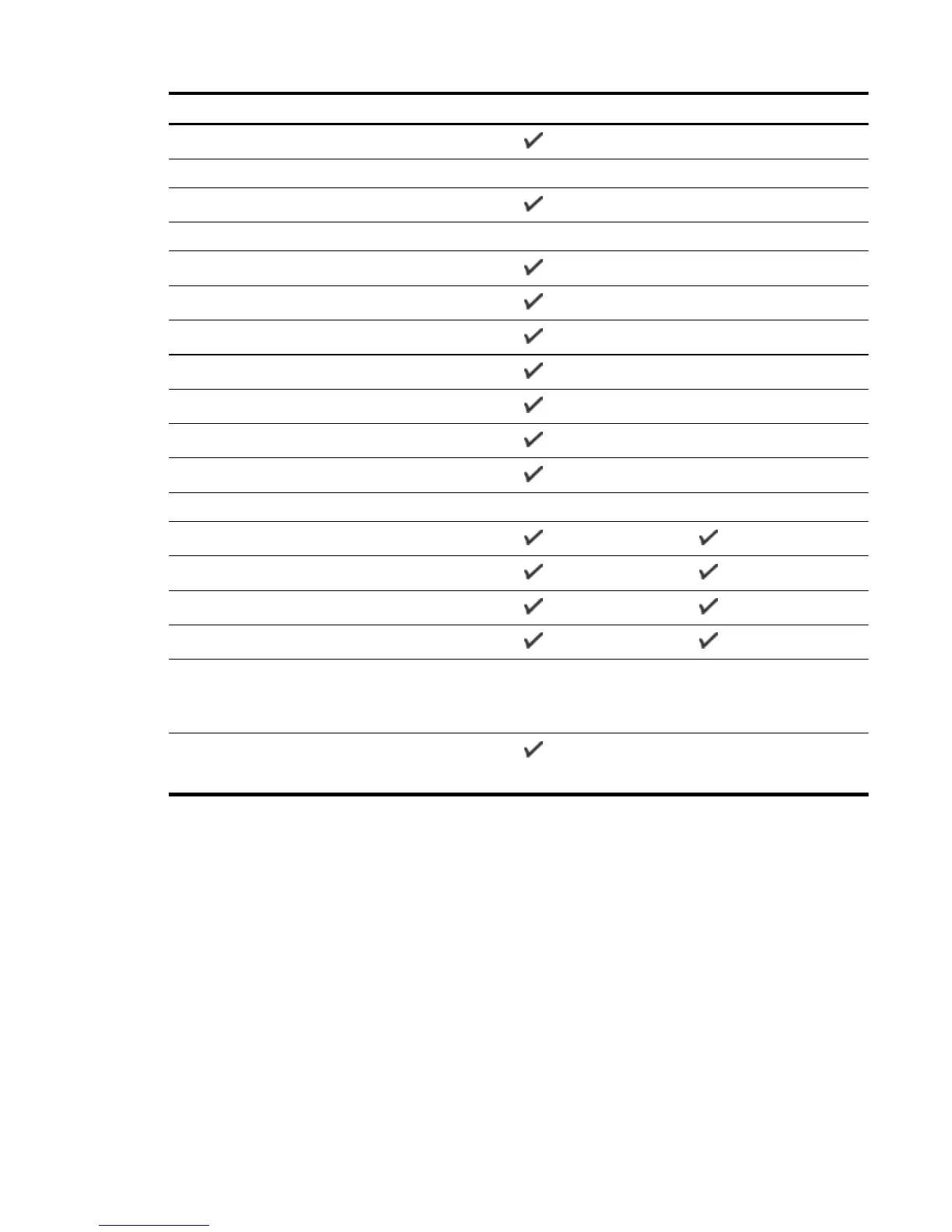
Paper size Input tray Duplexer
Ofuku Hagaki (200 x 148 mm; 7.8 x 5.8 inches)**
Photo paper
Photo paper (76.2 x 127 mm; 3 x 5 inches)
Photo paper (102 x 152 mm; 4 x 6 inches)*
Photo paper (5 x 7 inches)*
Photo paper (8 x 10 inches)*
Photo paper (8.5 x 11 inches)*
Photo L (89 x 127 mm; 3.5 x 5 inches)*
Photo 2L (127 x 178 mm)*
Cabinet size (120x165mm)*
13 x 18 cm*
Brochures
B5 (JIS) (182 x 257 mm; 7.17 x 10.12 inches)*
11 x 14 inches*
Tabloid (11 x 17 inches)*
A3 (297 x 420 mm; 11.69 x 16.54 inches)*
Other paper
NOTE: Defining custom-size paper sizes is only available in the HP printing software in
Mac OS X.
Custom-sized paper between 76.2 to 330 mm wide and 127
to 1118 mm long (3 to 13 inches wide and 5 to 44 inches
long)
*These sizes can be used for borderless printing.
** The printer is compatible with plain and inkjet hagaki from Japan Post only. It is not compatible with
photo hagaki from Japan Post.
ENWW Printer specifications 107


 To Next Page
 Loading...


