2–4 Safety & Comfort Guide
Finding Your Comfort Zone
Back
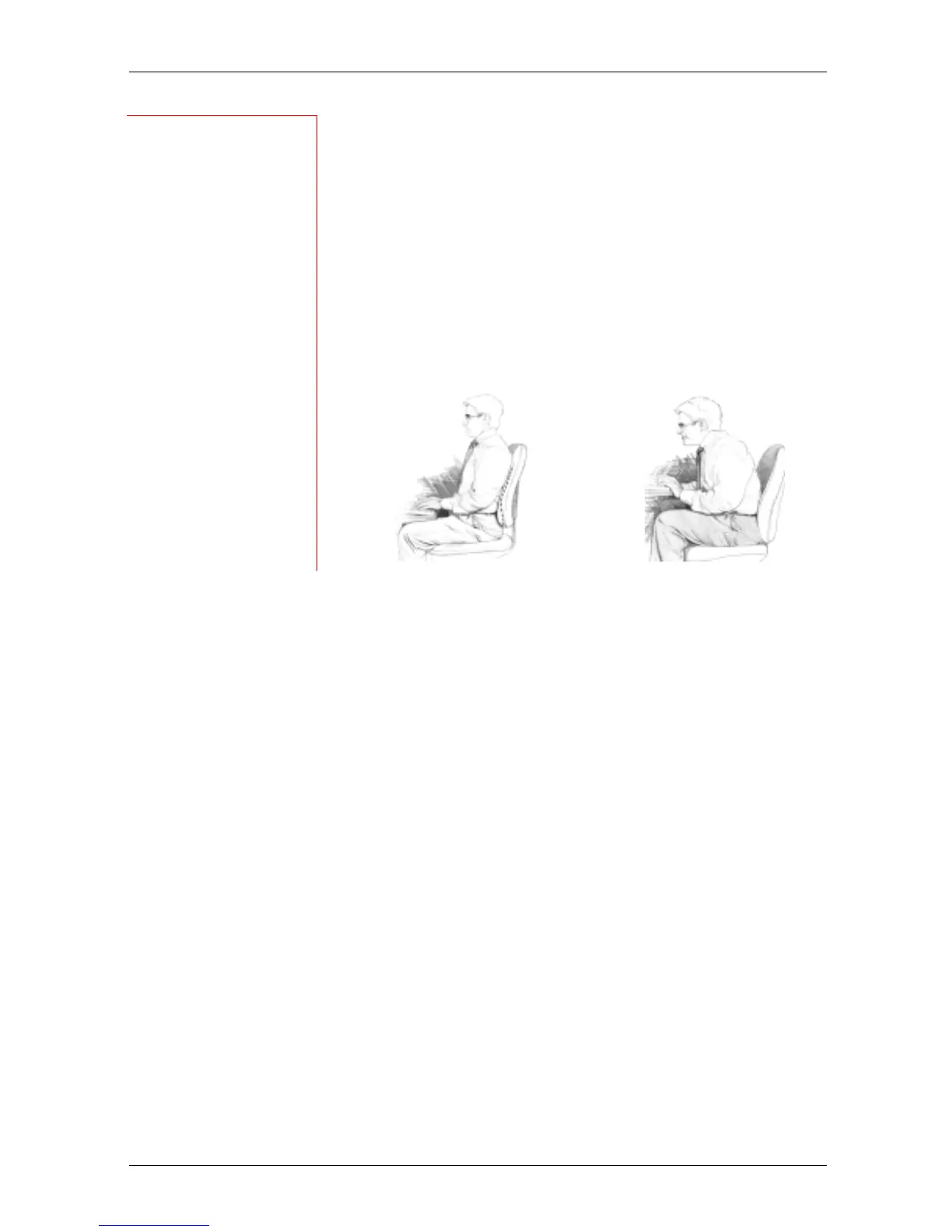
Use your chair to fully support your body. Distribute your
weight evenly and use the entire seat and backrest to
support your body. If your chair has adjustable low back
support, match the contours of the chair’s backrest to the
natural curve of your lower spine.
Getting comfortable
Always make sure your lower back is well-supported.
Make sure it feels comfortable in the position in which you
are working.
TIP
Adjust often
If your chair is
adjustable,
experiment with the
adjustments to find
numerous
comfortable
positions, then
adjust the chair
frequently.
AVOID!
If you get a new
adjustable chair, or if
you share a chair
with someone else,
do not assume the
settings are properly
set for you.
RIGHT
Distribute your
weight evenly and
use the entire seat
and backrest to
support your body.
WRONG!
Do not slouch
forward.












 To Next Page