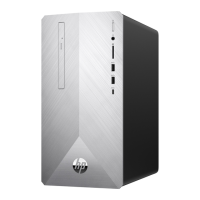
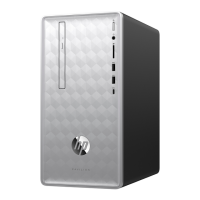
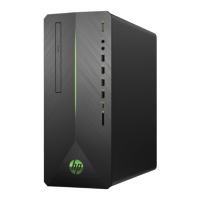
PORTS
I/O Ports - Standard
4 - USB 3.0 (2 side, 2 rear)
2 - USB 2.0 (2 rear)
2 - PS/2 (legacy) (one keyboard, one mouse)
1 - Microphone in (side)
1 - Headphone jack (side)
1 - Serial RS-232 (rear) (optional)
1 - Stereo audio line out (rear)
1 - Power connector (rear)
1 - RJ-45 (rear)
1 - DisplayPort
DisplayPort connector supports multimode technology to support connection to DVI-D, HDMI and VGA monitors with optional
adapters or to a DisplayPort monitor with a DisplayPort Cable.
DisplayPort Cable
Provides a direct connection between the PC's DisplayPort interface to the display's
DisplayPort interface
DisplayPort To DVI-D Adapter
Provides a connection from the PC's DisplayPort interface to the display's DVI-D interface;
adapts the DP output to the DVI-D input
DisplayPort To HDMI Adapter
Provides a connection from the PC's DisplayPort interface to the display's HDMI interface;
adapts the DP output to the HDMI input
DisplayPort To VGA Adapter
Provides a connection from the PC's DisplayPort interface to the display's analog VGA
interface; adapts the digital DP output to the analog VGA input
SLOTS
1 - Mini PCIe half-length (used by wireless LAN module)
1 - MXM 3.0 Type A - 35W
1 - mSATA
BAYS
1 – 3.5" internal; Supports One – 3.5" hard drive or up to Two – 2.5" hard drives (HDD/SSD/SED)
1 – 5.25" external; Slim Line Optical Drive
QuickSpecs
HP COMPAQ PRO 6300 ALL-IN-ONE PC
Standard Features and Configurable Components (availability may vary by country)
DA - 14351 Worldwide — Version 35 — November 21, 2013
Page 21



 To Next Page
 Loading...