Computer algebra system (CAS) 55
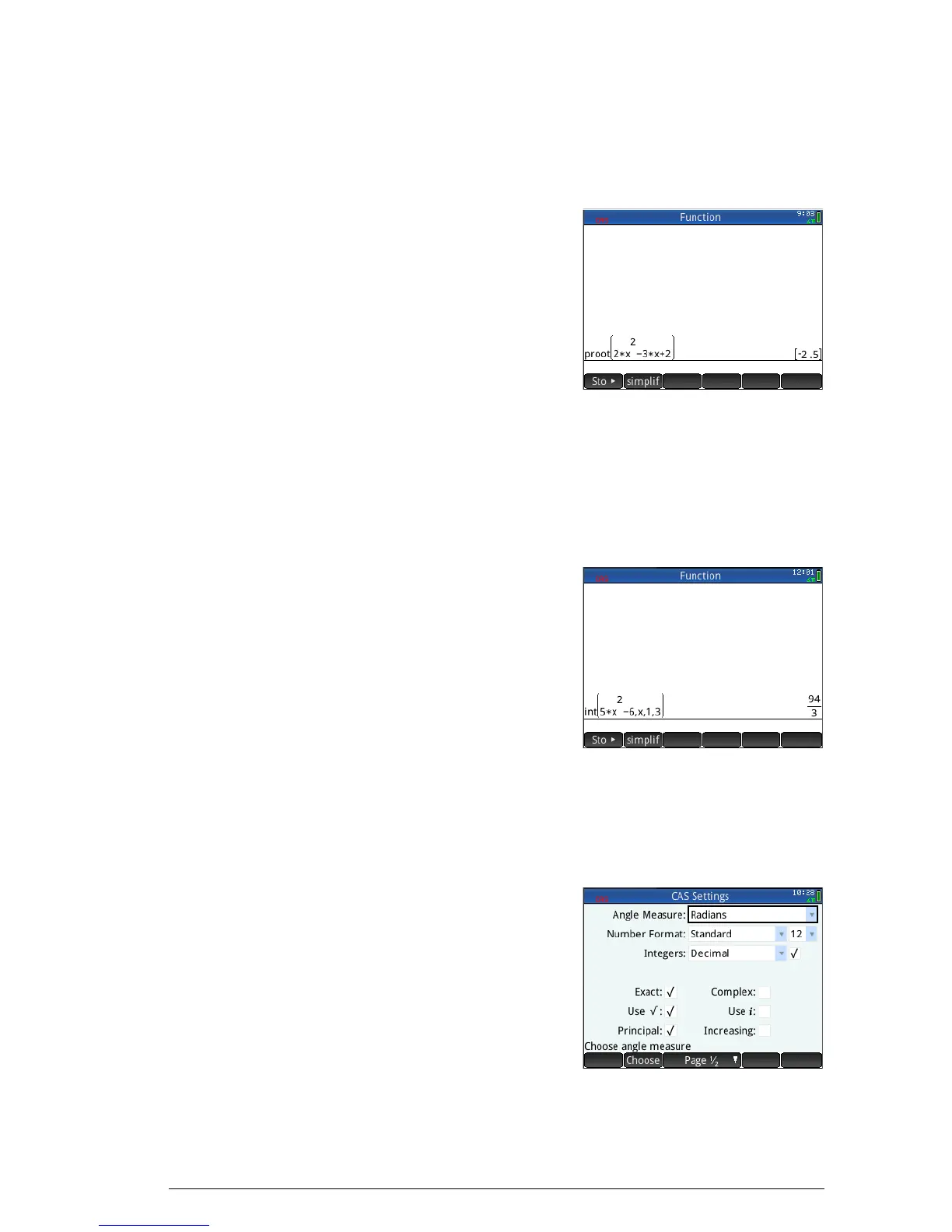
Example 1 To find the roots of 2x
2
+ 3x – 2:
1. With the CAS menu open, select Polynomial and then
Find Roots.
The function proot()
appears on the entry
line.
2. Between the
parentheses, enter:
2
Asj+3
Asw2
3. Press E.
Example 2 To find the area under the graph of 5x
2
– 6 between x =1 and
x = 3:
1. With the CAS menu open, select Calculus and then
Integrate.
The function int()
appears on the entry
line.
2. Between the
parentheses, enter:
5
Asjw6
oAso1o
3
3. Press
E.
Settings
Various settings allow you to
configure how the CAS
works. To display the
settings, press
SK. The
modes are spread across
two pages.



 To Next Page