80 An introduction to HP apps
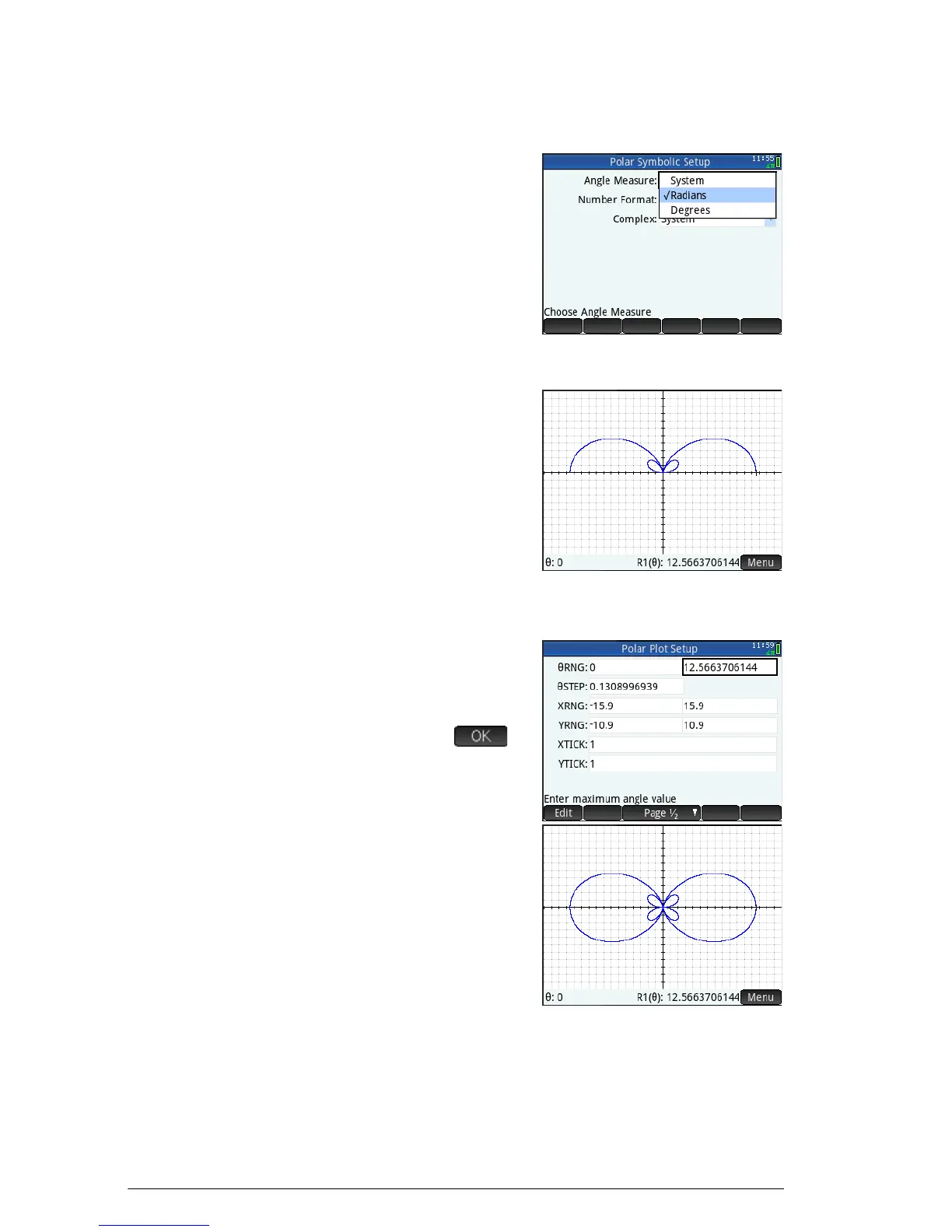
Symbolic Setup view
4. Press SY.
5. Select Radians from the
Angle Measure menu.
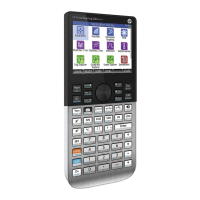
Plot view
6. Press P.
A graph of the equation is
plotted. However, as the
illustration at the right
shows, only a part of the
petals is visible. To see the
rest you will need to change
the plot setup parameters.
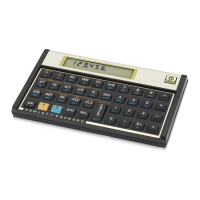
Plot Setup View
7. Press SP.
8. Set the second RNG field to
4 by entering:
>
4
Sz
(
9. Press
P to return to Plot
view and see the complete
plot.



 To Next Page