
 Need help?
Do you have a question about the HP ProDisplay P19A and is the answer not in the manual?
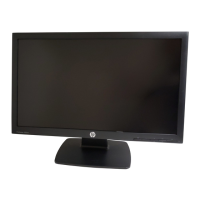
Details the key features and specifications of the HP LED Monitor.
Step-by-step instructions for securely attaching the monitor's stand base.
Identifies and explains the function of connectors on the rear of the monitor.
Provides instructions for connecting power and signal cables to the monitor and computer.
Explains the functions of the buttons on the monitor's front control panel.
Instructions on how to power on the monitor and the connected computer system.
Instructions for removing the monitor panel from its base for alternative mounting.
Procedure to detach the monitor panel from the stand pedestal.
Guide for attaching the monitor to a VESA-compliant swing arm mount.
Resources and contact information for technical assistance and support.
Lists common display resolutions and their corresponding horizontal and vertical frequencies.


 To Next Page

 General