1 Pairing the speaker to your device
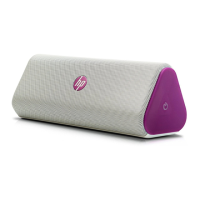
1. Connect the HP Roar Plus Speaker to power and make sure that it is charged. The power button
light blinks amber while the speaker is charging.
2. Press the power button. The speaker starts in pairing mode. The power button light blinks white
while the speaker is on and in pairing mode.
3.
On your device, connect to the speaker using Bluetooth
®
. See your device’s documentation for
instructions on making a Bluetooth connection.
When you next turn on the speaker, it automatically attempts to connect to one of the last six
Bluetooth devices paired to the speaker.
1


 To Next Page