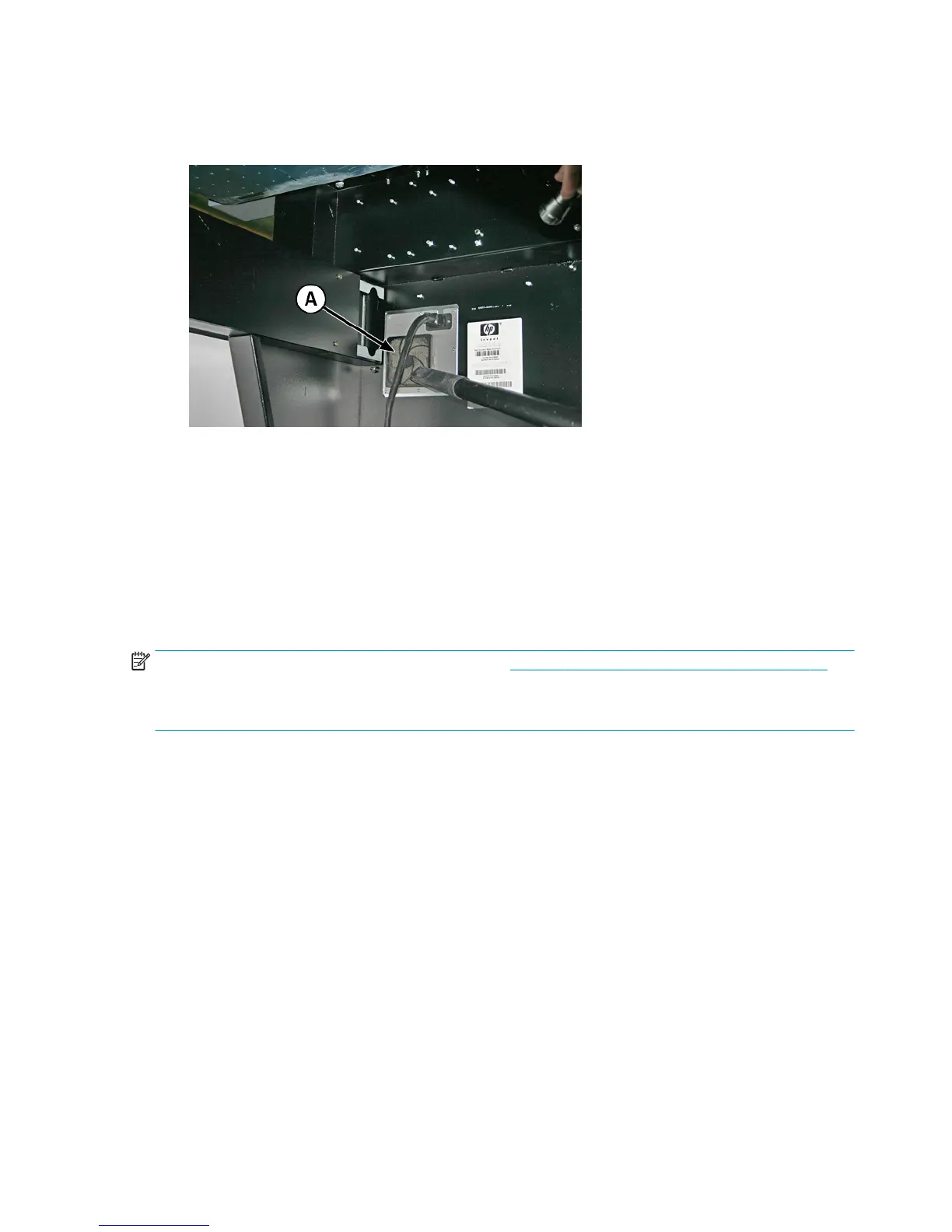
4. Vacuum the filter (A in the photo below) located under the printer's chassis near the power cord
attachment point, and remove dust from the surrounding area.
Figure 10-19 Cleaning dust from the electronics box fan filter
5. To reset the maintenance counter for this task and complete the procedure, press Proceed.
Replace the service station wiper
CMYKcm — 250 Hours
CMYKW — 250 Hours
The wiper blade deteriorates with use. Replacing the wiper blade periodically restores the wiping to optimal
performance and wiper height.
NOTE: Replace the wiper according to the schedule in Table 10-1 Schedule of cleaning tasks on page 75.
The wiper replacement schedule is calculated to be frequent enough to avoid the need for wiper-height
calibrations between replacements. If the wipers are not making adequate contact with the printheads,
contact your service provider to calibrate the wiper height.
1. Select from the control panel System> Tools> User Cleaning and Maintenance> 11) Replace Service
Station Wiper.
2. Press Proceed to continue.
3. Open the service door to access the service station.
90 Chapter 10 User cleaning ENWW



 To Next Page