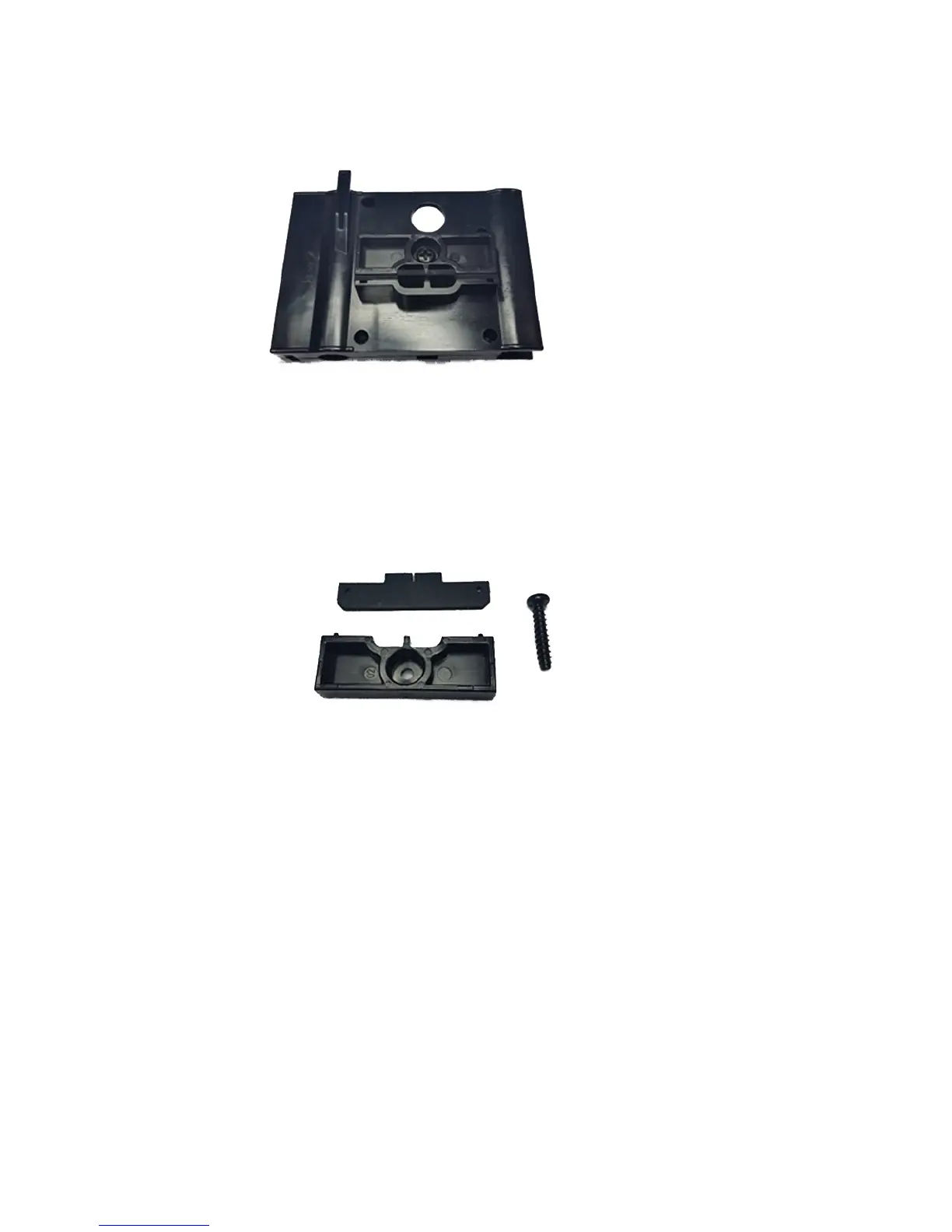
4. Remove the screw (A in the figure below) that secures the wiper clamp to the wiper assembly.
Figure 10-20 Service station wiper assembly
5. Separate the two wiper clamp halves and remove the original wiper.
6. Install the replacement wiper blade in the orientation shown below.
Figure 10-21 Wiper, clamp and screw
7. Secure the wiper blade clamp to the wiper assembly using the original screw.
8. To reset the maintenance counter for this task and complete the procedure, press Proceed.
Clean ionizer needles
CMYKcm – 250 Hours
CMYKW – 250 Hours
Ink dust and debris can collect on the ionizer needles, which degrades its ability to eliminate static. Cleaning
the needles keeps the ionizer bar in good condition.
1. Select from the control panel System > Tools > User Cleaning and Maintenance > Clean Ionizer
Needles.
2. Press Proceed to continue.
The printer moves the rail for easier access to the ionizer bar.
ENWW
Clean ionizer needles 91



 To Next Page