4 HP Webcam HD User Guide
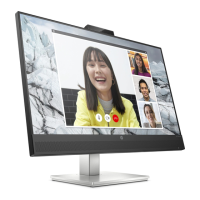
Starting a video call
You can launch installed video chat programs, as well as install common video chat programs.
Supported video chat programs include:
Google™ Video Chat
Skype
Windows Live Messenger
Yahoo! Messenger
AOL Instant Messenger (AIM)
HP MyRoom
1 To start a video call, double-click the HP Webcam Control Center icon on the
Windows desktop, and then click Installed Video Chat . The system displays all
supported, currently installed video chat programs.
2 Select the program you want to use. The program opens.
3 To install a video chat program, click Download & Install . The system displays all
supported, video chat programs not currently installed.
4 Select the program you want to use. The program opens in your default web browser.
Recording video or capturing still photos
To take videos or capture images:
1 Double-click the HP Webcam Control Center icon on the Windows desktop, and then
click Take a Video or Photos .



 To Next Page