EasyManua.ls Logo

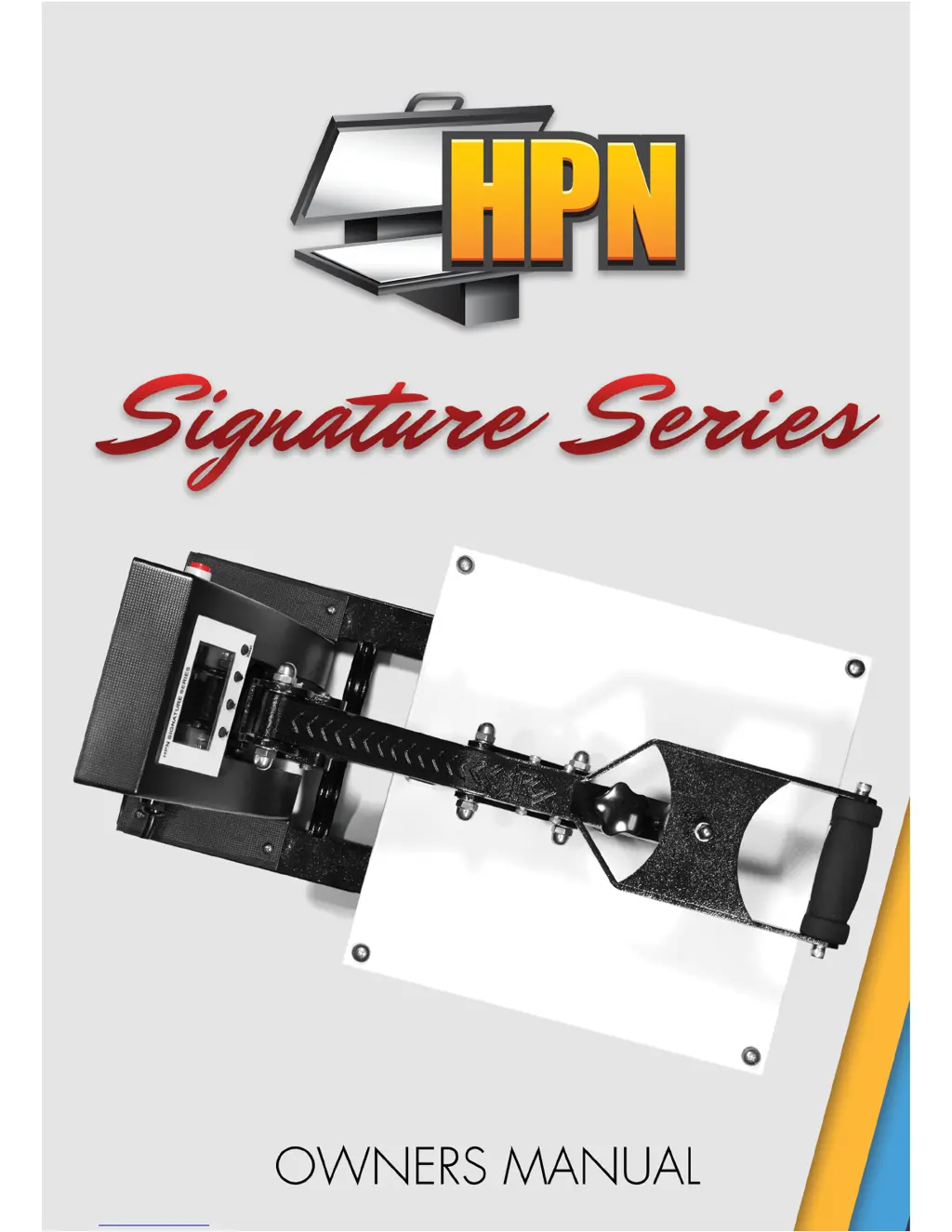
HPN Signature Series - User Manual

HPN Signature Series
26 pages
Print Icon
To Next Page IconTo Next Page
Loading...

Questions and Answers

  • Z
    zmoraJul 26, 2025
    What to do if my HPN Signature does not turn on?
    • R
      rogerskatieJul 27, 2025
      If your HPN Power Tool doesn't turn on or shuts off during use, first check the wires connected to the red rocker switch and the circuit breaker fuse to ensure they are tightly connected. If the red rocker switch has no light, replace it. If the switch does have light, replace the circuit breaker fuse.

Summary

Safety First

General Safety Precautions

Covers safe operation, electrical requirements, and environmental considerations.

Stable Location and Liquid Removal

Ensures safe operation by recommending a stable surface and keeping liquids away.

Clamshell Model

Gauge Operation

Mug Press Operation

Fully Automatic Mug Press

Step-by-step operating instructions for the Fully Automatic Mug Press.

Operating Procedures

Material Application

Heat Pressing Tips

Troubleshooting

Machine Power and Heating Issues

Diagnosing problems with the machine not turning on or heating up.

Timer and Auto Open Malfunctions

Troubleshooting issues with the timer and auto open mechanism.

Temperature Display Errors

Resolving common errors on the temperature display, such as '000'.

HPN Signature Series Specifications

General IconGeneral
BrandHPN
ModelSignature Series
CategoryPower Tool
LanguageEnglish

Related product manuals