Test your hardware 13
© 2010 HSA SYSTEMS
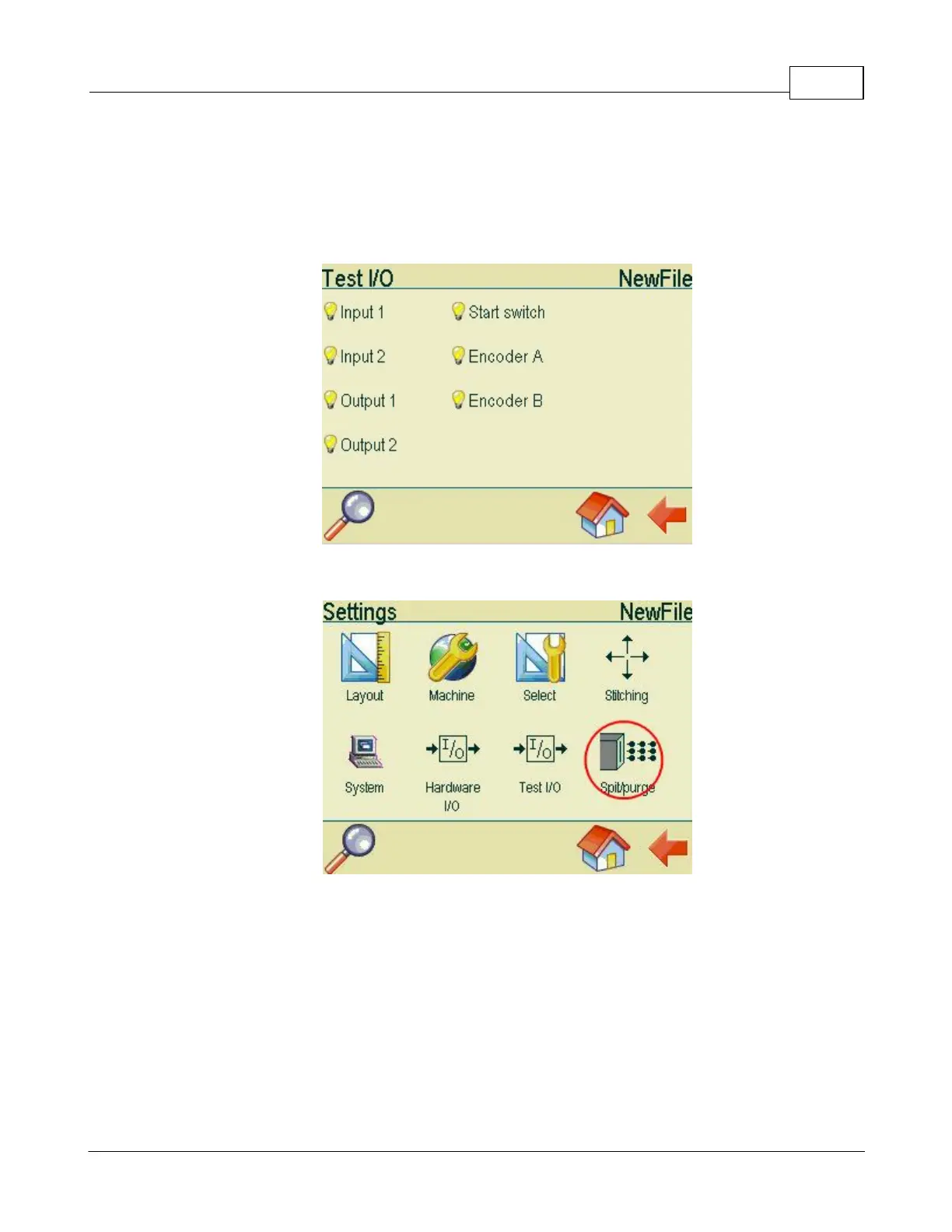
This screen displays the different types of hardware connected to the controller. If you use a negative
sensor, the light bulb Start Switch will be on. Activate the sensor. If the light in the bulb goes off, the
sensor is properly installed. If on the other hand the sensor is positive, the light bulb Start switch will
light up, when you activate the sensor. Turn the encoder wheel (if used) and the light bulbs Encoder A
and Encoder B will flash.
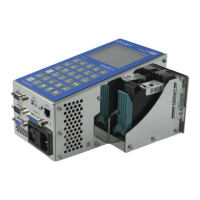
Select spit/purge in the settings menu.


 To Next Page